

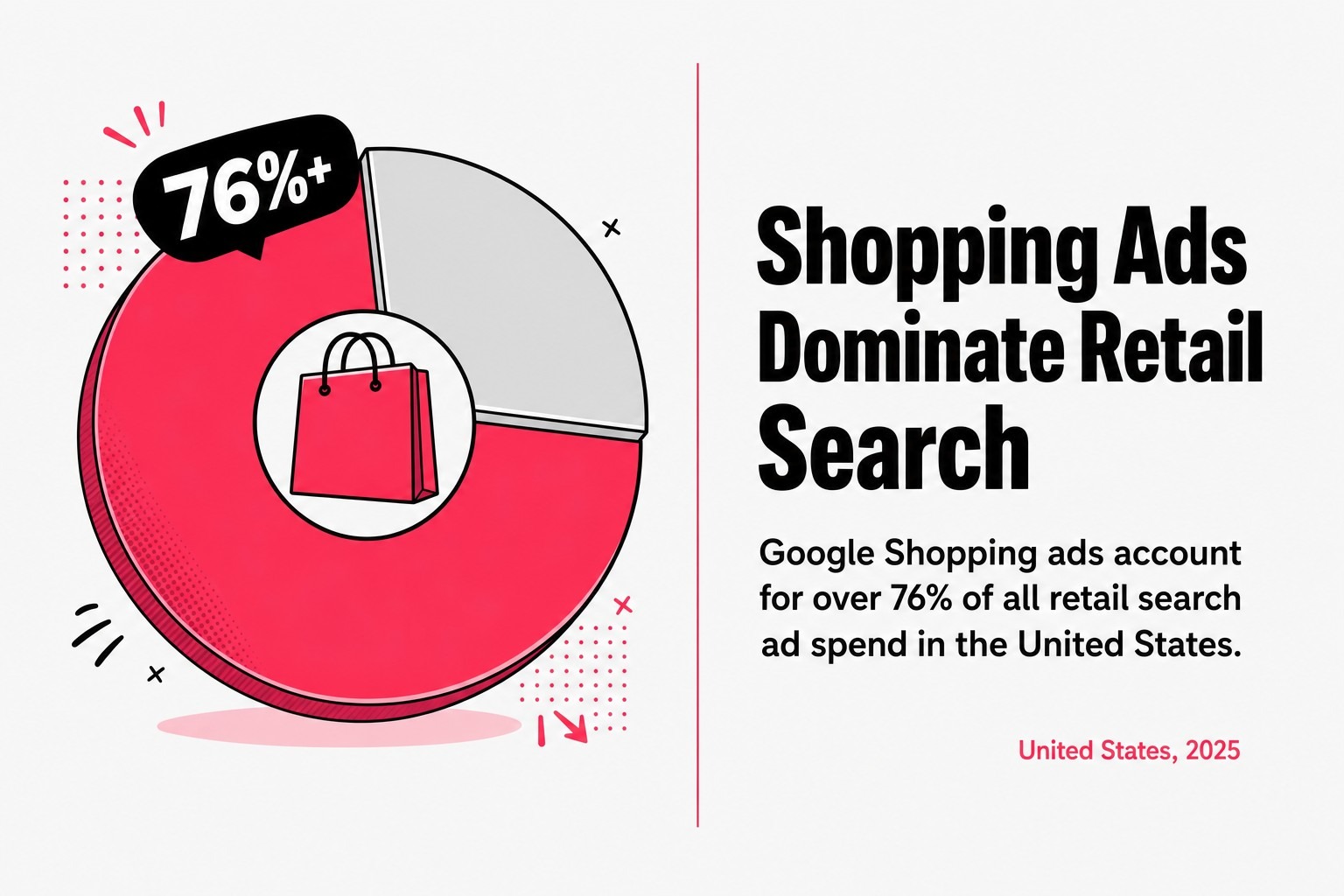
Google Shopping ads account for over 75% of all retail search ad spend in the United States, drive approximately 85% of all clicks across Google Ads and Google Shopping campaigns, and reach an audience of an estimated 2.77 billion online shoppers worldwide in 2025.
A properly managed Google Shopping ads program built on solid product feed optimization, smart campaign architecture, and disciplined bid management is one of the highest-return channels available to eCommerce businesses. Get those fundamentals wrong, and you are paying for impressions that never convert.
I spend a lot of time talking to eCommerce store owners who are frustrated. Their Google Shopping ads are running, their budget is leaving the building every day, and their ROAS looks like a participation trophy. Most of the time, the problem is not the platform. It is how the campaign management was set up. This post breaks down exactly what strong Google Shopping ads services should include, so you can tell the difference between a partner who knows what they are doing and one who is just pressing buttons.
Google Shopping ads are product-based advertisements that display a product image, title, price, and store name directly in Google search results, pulling all of that data from a structured product feed submitted through Google Merchant Center.
Unlike traditional text ads, Google Shopping ads do not rely on keyword bids tied to specific search terms you choose. Google reads your product feed and decides which searches your products should appear for. That is a critical distinction. Your product titles, descriptions, and attributes inside Google Merchant Center effectively become your targeting layer. Bad feed data means Google matches your products to the wrong searches, or skips them entirely.
The mechanics work like this: your product feed lives in Google Merchant Center, connects to Google Ads, and powers your Shopping campaigns. Every time a shopper searches for something relevant, Google's auction system evaluates your bid, your product data quality, and your landing page to decide whether your product listing appears. According to Google's 2025 retail insights, people shop across Google more than 1 billion times per day. That is a large pool of active purchase intent, and your product feed is the key to tapping it.

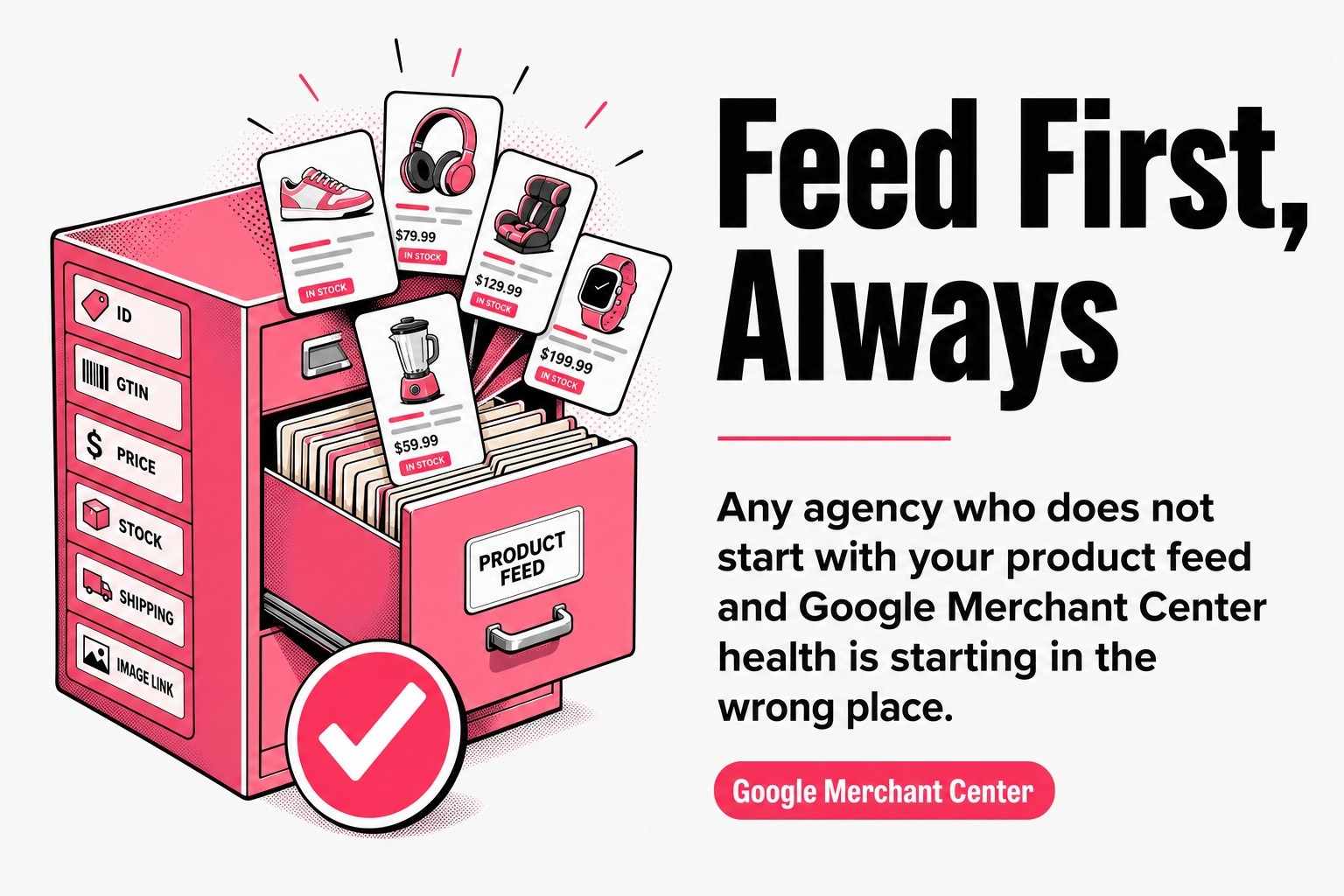
For eCommerce businesses evaluating Google Shopping ads services, the implication is direct: any agency or partner who does not start with your product feed and Google Merchant Center health is starting in the wrong place.
Google Shopping ads deliver purchase-ready traffic because shoppers who click a product listing have already seen the price, the image, and the product name before they hit your site, making them significantly more qualified than most paid traffic sources.
The scale of the opportunity matters here. An estimated 1.2 billion searches happen on Google Shopping every month, and 79% of marketers identify PPC ads as vital to their company's success. These are not vanity numbers. They point to a channel where buying intent is high and competition for well-optimized product listings is fierce.
The benefits that matter most to eCommerce businesses are practical ones:
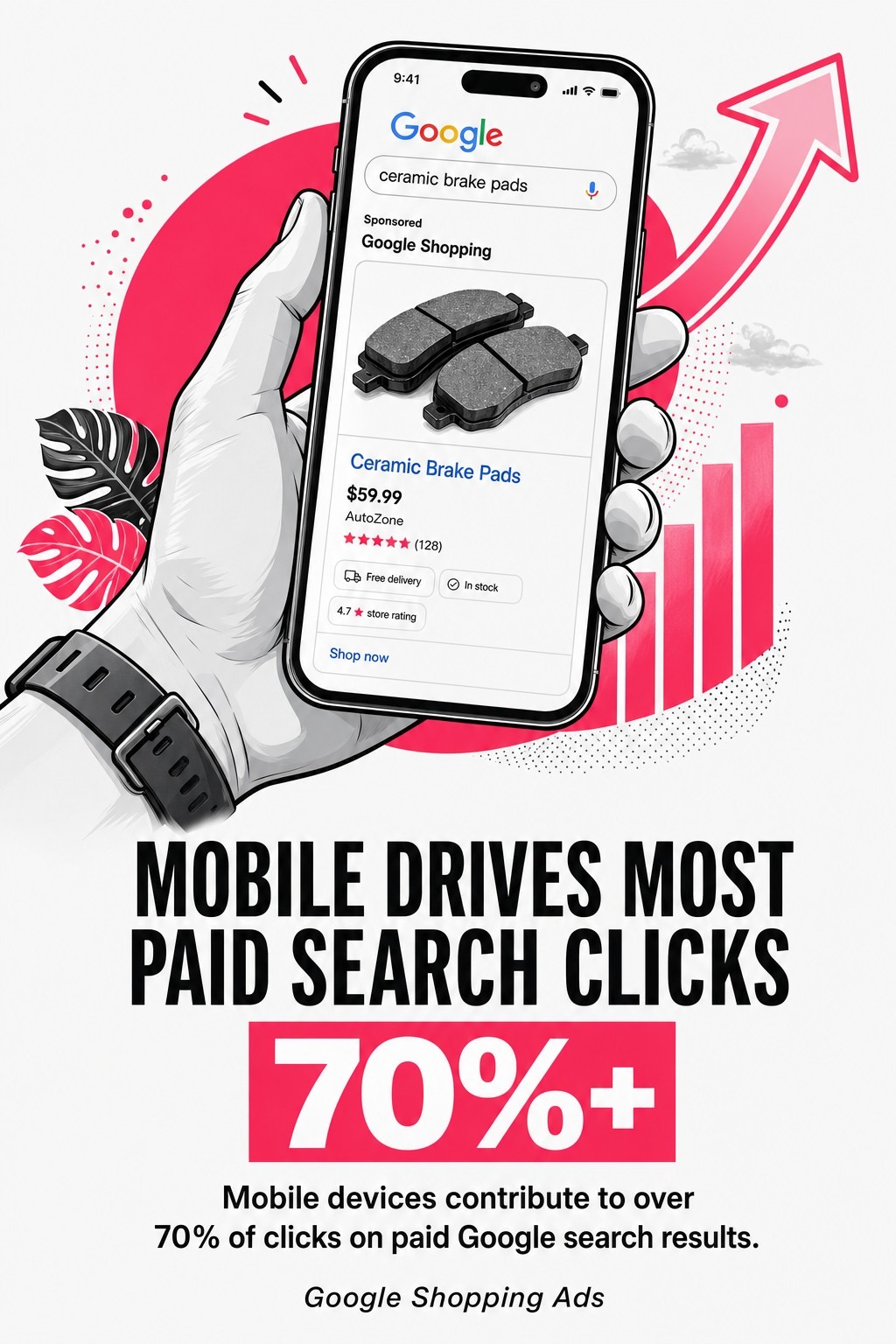
The benefit that gets undersold most often is competitive positioning. Google Shopping ads show multiple competitors side by side. That means your price, your image quality, and your product titles are being compared in real time. Strong Google Shopping management services address this directly through competitive analysis and auction insights review, not just by setting bids and walking away.
For a deeper look at how to build on these benefits with specific tactics, the Google Shopping ads optimization guide at SCUBE Marketing walks through ten practical ways to improve campaign performance.
Performance Max campaigns and Standard Shopping campaigns are the two primary campaign types available for Google Shopping ads, and choosing between them requires a clear understanding of what each one actually controls.
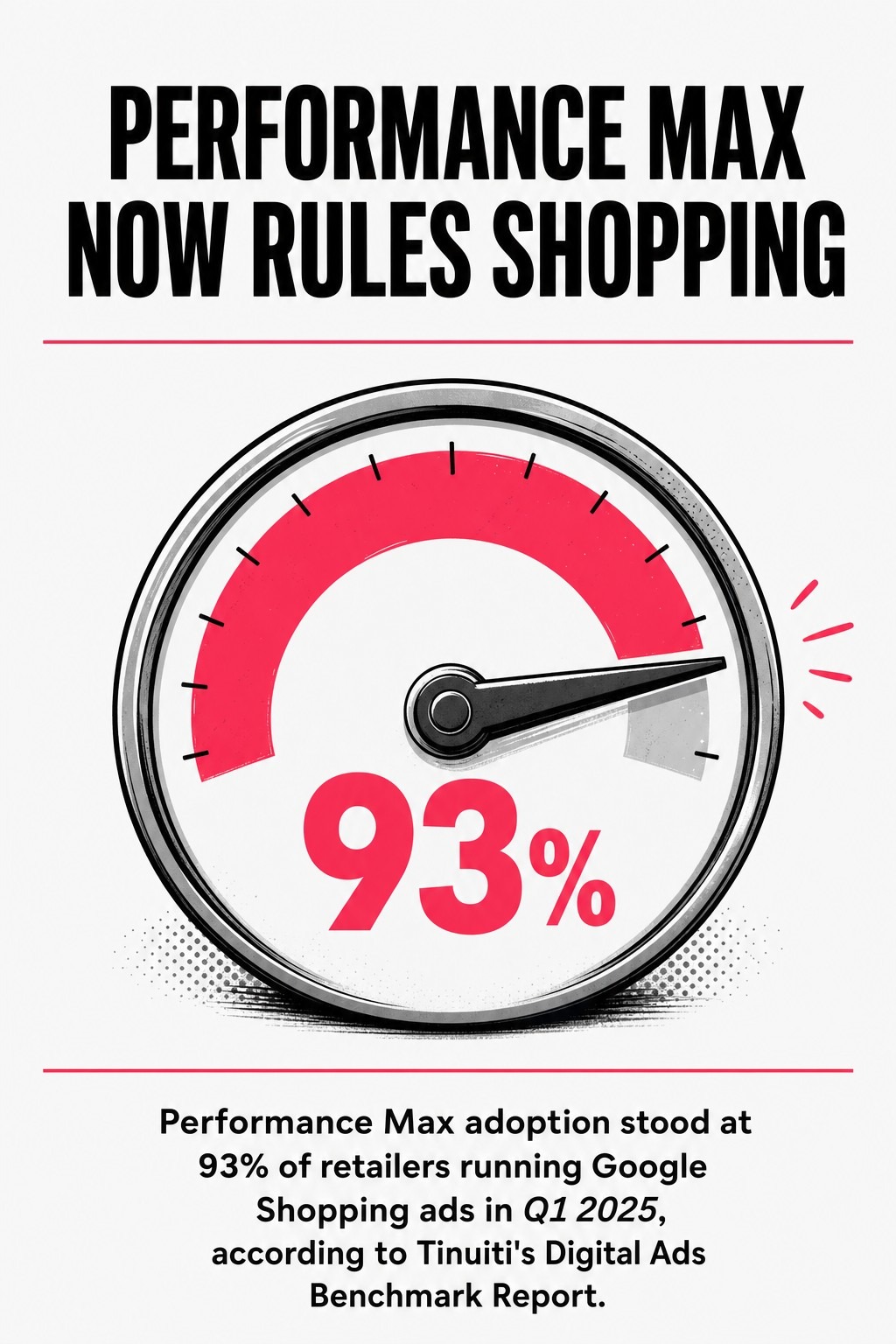
The adoption numbers are striking. Performance Max adoption stood at 93% of retailers running Google Shopping ads in Q1 2025, according to Tinuiti's Digital Ads Benchmark Report. That is not a sign that Performance Max is always the right choice. It is a sign that Google has made it the default path of least resistance, and most advertisers follow defaults.
Performance Max campaigns use Google's AI to serve your ads across Search, Shopping, YouTube, Display, Gmail, and Discover, all from a single campaign. You provide asset groups, audience signals, and a target return on ad spend, and Google's automated bidding handles the rest. The trade-off is control. You get broad reach and AI-driven optimization, but limited visibility into exactly where your budget is going.
Performance Max works best when you have solid conversion tracking in place, sufficient conversion volume for Google's machine learning to work with, and a clear ROAS target. Without those three things, automated bidding has nothing to optimize toward.
Standard Shopping campaigns give you direct control over campaign structure, product groups, negative keywords, and bids at the product or product group level. That transparency is valuable. You can see exactly which search terms are triggering your ads, add negative keywords aggressively, and build campaign architecture that prioritizes your highest-margin products.
For businesses with tighter margins, seasonal product lines, or a need for granular control over specific product categories, Standard Shopping campaigns remain a strong choice. Many experienced Google Shopping management teams run both campaign types together, using Standard Shopping to maintain control over priority products while using Performance Max to capture broader reach.
The honest answer to which is right for you depends on your conversion data maturity, your margin structure, and how much control your business needs. Any Google Shopping ads services partner who tells you to run only Performance Max without reviewing your account data first is following a default, not a strategy. You can read more about how bid strategy decisions fit into broader eCommerce PPC management strategies here.
Google Shopping ads management services should cover product feed optimization, Google Merchant Center maintenance, campaign structure and architecture, bid management, negative keyword management, conversion tracking, performance reporting, and competitive analysis as a minimum standard of care.
That list sounds obvious. But it is remarkable how many providers deliver only two or three of those things and call it campaign management. Here is what each component should actually look like in practice.
Google Merchant Center is where your product feed lives, and it needs active management. Feed errors in Google Merchant Center will pull products from your campaigns without warning. A proper service should include regular Google Merchant Center audits, error resolution, shipping and return policy compliance, and feed diagnostics. If your partner does not log into Google Merchant Center regularly, your campaign is running on autopilot with a blindfold on.
Campaign structure determines how your budget flows and how granularly you can control bids by product category, brand, or margin tier. Strong campaign management builds a logical hierarchy: campaign priorities, ad group segmentation, and product group subdivisions that match how your business actually makes money. Cookie-cutter structures that lump all products into one campaign are a common sign of under-investment in your account.
Negative keywords apply differently to Standard Shopping campaigns than to search campaigns, but they are no less important. Regular search term analysis tells you which queries are triggering your Google Shopping ads, and negative keyword lists block irrelevant traffic before it burns budget. This is one of the most impactful levers in Google Shopping management, and it requires consistent weekly or bi-weekly attention.
Conversion tracking is non-negotiable. Without accurate eCommerce conversion tracking connected to your Google Ads account, every bid strategy decision is a guess. A qualified Google Shopping ads services provider sets up and verifies conversion tracking from day one, confirms that transaction values are passing correctly, and audits attribution settings to make sure your ROAS data is reliable. This step gets skipped more often than it should.
Product feed optimization is the single most impactful factor in Google Shopping ads performance, because the product feed is the data layer that controls which searches trigger your ads and how compelling your product listings look to shoppers.
Most eCommerce businesses set up their product feed once, submit it to Google Merchant Center, and never touch it again. That is like writing one draft of a sales pitch and delivering it forever, even after you learn what customers actually respond to. Product feed optimization is an ongoing process, not a setup task.
Product titles in your feed are your primary relevance signal. Google reads them to understand what your product is and which searches it should match. A weak title like "Blue Shirt" tells Google almost nothing. A strong title like "Men's Slim Fit Oxford Button-Down Shirt Blue Size Medium" gives Google enough structure to match it to relevant, high-intent searches. Front-loading the most important attributes, brand, product type, size, color, and material, in that order, consistently improves impression share on relevant queries.
Product descriptions, categories, and custom labels round out the feed structure. Custom labels are particularly useful in campaign management because they let you segment products by margin, seasonality, or promotional status, which directly informs bid management decisions.
Google Merchant Center flags feed errors and warnings that can pull products from active campaigns. Common issues include missing GTINs, price mismatches between the feed and your website, disapproved images, and missing required attributes for specific product categories. A feed that looks fine in your eCommerce platform can have dozens of Merchant Center errors that are suppressing product coverage.
Product feed optimization done well means your Google Merchant Center account has a clean diagnostic report, your product data matches your site in real time, and your titles are tested and refined based on actual search term data. That is the foundation every other part of Google Shopping campaign management sits on.
Bid strategy optimization for Google Shopping ads requires matching your bidding approach to your conversion data volume, your ROAS targets, and the campaign type you are running, because a bid strategy that works for one account can actively hurt another.
Return on ad spend is the north star metric for most eCommerce Google Shopping campaigns. The math is direct: if you spend $1 and generate $5 in revenue, your ROAS is 5x. But hitting a target ROAS consistently requires more than just entering a number into a smart bidding field. It requires sufficient conversion history for Google's automated bidding algorithms to function, realistic ROAS targets that account for your margin structure, and careful monitoring during the learning period when smart bidding adjusts.
Smart bidding strategies like Target ROAS and Maximize Conversion Value use Google's machine learning to set bids at auction time based on signals like device, location, time of day, and search query context. They outperform manual bidding in most mature accounts with strong conversion data. Manual CPC bidding, on the other hand, gives you direct control at the product group level and can be the right choice for newer accounts, low-volume products, or situations where you need to test bid changes without algorithmic interference.
The practical guidance is this: do not use Target ROAS on a campaign with fewer than 50 conversions per month. Google's documentation recommends at least that volume for smart bidding to have enough data to work with. Below that threshold, smart bidding often overfits to limited data and misses opportunities.
Budget allocation across multiple campaigns is where bid management becomes strategic rather than tactical. High-margin products deserve more budget. Products with strong ROAS history should not be capped by a shared budget that also funds low performers. Effective Google Shopping management segments campaigns by margin tier or product priority, sets individual budgets, and reviews bid performance weekly against ROAS targets.
For a detailed breakdown of how to approach this, the Google Shopping bid strategy guide covers the decision framework in depth.
Performance monitoring for Google Shopping ads requires tracking ROAS, conversion rate, click-through rate, impression share, and search term data on a consistent schedule, because Shopping campaign performance shifts with inventory changes, competitor pricing, and seasonal demand patterns.
Reporting is where a lot of Google Shopping management services fall short. Monthly PDF reports that show impressions, clicks, and spend are not analysis. They are a printout. Useful performance reporting tells you which products are driving revenue, which are wasting budget, where ROAS is trending relative to your targets, and what the data suggests you should do next.
Google Ads provides auction insights data that shows how your ads are performing relative to competitors in the same auctions. Impression share, overlap rate, and outranking share are the metrics that matter. If a competitor is consistently outranking your Google Shopping ads on your core products, that is a signal about bid levels, feed quality, or landing page relevance that needs investigation.
Competitive analysis goes beyond auction insights. Monitoring competitor pricing relative to your product feed, reviewing their product titles for attribute patterns, and tracking their promotional cycles gives your campaign management team the context needed to make bid adjustments that are proactive rather than reactive.
Conversion tracking accuracy deserves its own place in performance monitoring. If your conversion tracking is misconfigured and counting duplicate transactions or missing mobile purchases, your ROAS data is wrong, and every optimization decision based on that data is built on a flawed foundation. Regular conversion tracking audits, at least quarterly, should be a standard part of any Google Shopping ads services engagement.
The most common Google Shopping ads challenges involve product feed errors in Google Merchant Center, poor campaign structure that mixes high- and low-performing products, insufficient conversion data for smart bidding, and neglected negative keyword lists that drain budget on irrelevant traffic.
Feed errors are the silent campaign killers. A product disapproval in Google Merchant Center does not send you an alert by default. Products just stop showing. Regular Google Merchant Center audits catch these issues before they cause meaningful revenue loss. Set up email notifications inside Merchant Center so feed errors surface immediately rather than sitting undetected for weeks.
The structural challenge is one I see constantly. When all products share one campaign with one budget, your best-performing, highest-margin products compete internally with low-margin clearance items for the same budget. The fix is segmenting campaigns by product priority, which lets you set appropriate bids and budgets for each group and track ROAS at the segment level.
Negative keywords in Standard Shopping campaigns need the same disciplined approach as in search campaigns. Without regular search term analysis and negative keyword additions, Shopping campaigns will spend budget on brand name queries that should be covered by branded campaigns, irrelevant category searches, and competitor terms that never convert. Weekly search term reviews are the standard, not a bonus feature.
Professional Google Shopping ads management produces better results than self-managed campaigns because the complexity of product feed optimization, Google Merchant Center maintenance, campaign structure, bid management, and competitive analysis compounds quickly beyond what most eCommerce teams can manage alongside their core business operations.
Google’s advertising business helped drive Alphabet’s Q4 2025 results, with total company revenue reaching $113.83 billion. That is not a result of Google Shopping being easy to win at. It exists because the platform rewards expertise, and the gap between average campaign management and excellent campaign management shows up directly in your return on ad spend.
The case for professional Google Shopping ads services is not about outsourcing a task. It is about the compounding value of having someone who treats your product feed as the asset it is, monitors your Google Merchant Center account daily, runs structured bid management against real ROAS targets, and brings competitive analysis into every optimization cycle.
When evaluating a Google Shopping management partner, ask these questions directly:
The answers tell you whether you are talking to someone with a genuine process or someone with a sales deck. For a broader framework on evaluating eCommerce PPC partners, the guide to the best Google Ads agencies for eCommerce at Scube Marketing covers exactly what separates strong partners from average ones.
Google Shopping ads are one of the most accountable paid channels available to eCommerce businesses. Every dollar has a measurable return. Every product has trackable conversion data. The only variable is whether your campaign management is skilled enough to use that data well. Get the product feed right, build a campaign structure that reflects your margins, run disciplined bid management, and review performance with actual rigor. That is what strong Google Shopping ads services deliver. And if you are ready to see what that looks like in practice, the guide to doubling your ROAS through eCommerce PPC management is a solid next step.