

Most ecommerce store owners set up Google Ads, watch their budget disappear in a week, and declare the platform "too expensive." I've seen this pattern hundreds of times. The problem isn't the platform. It's the structure.
Profitable Google Ads campaigns don't happen by accident. They're built on three fundamentals: tight account structure, campaign types matched to your business stage, and bidding strategies that protect margin. Get these right, and you'll scale. Get them wrong, and you'll burn cash.
Here's what we're covering: how to choose the right campaign types for ecommerce, set up Google Merchant Center without headaches, structure your account to prevent budget waste, and optimize bidding to hit your ROAS targets. By the end, you'll have a framework that works whether you're selling automotive parts or furniture.
The difference between profitable campaigns and budget drains comes down to intentional structure. Let me show you how to build it.
Google Ads puts your products in front of people actively searching for them. That's the fundamental value. Someone types "aftermarket brake pads for 2018 Honda Civic" and your product shows up. They're already looking. You're just making yourself visible.
The platform processes over 70 million signals in real-time to optimize bids. It considers device type, location, time of day, search history, and dozens of other factors. This automation is powerful, but only if you give it the right framework to work within.

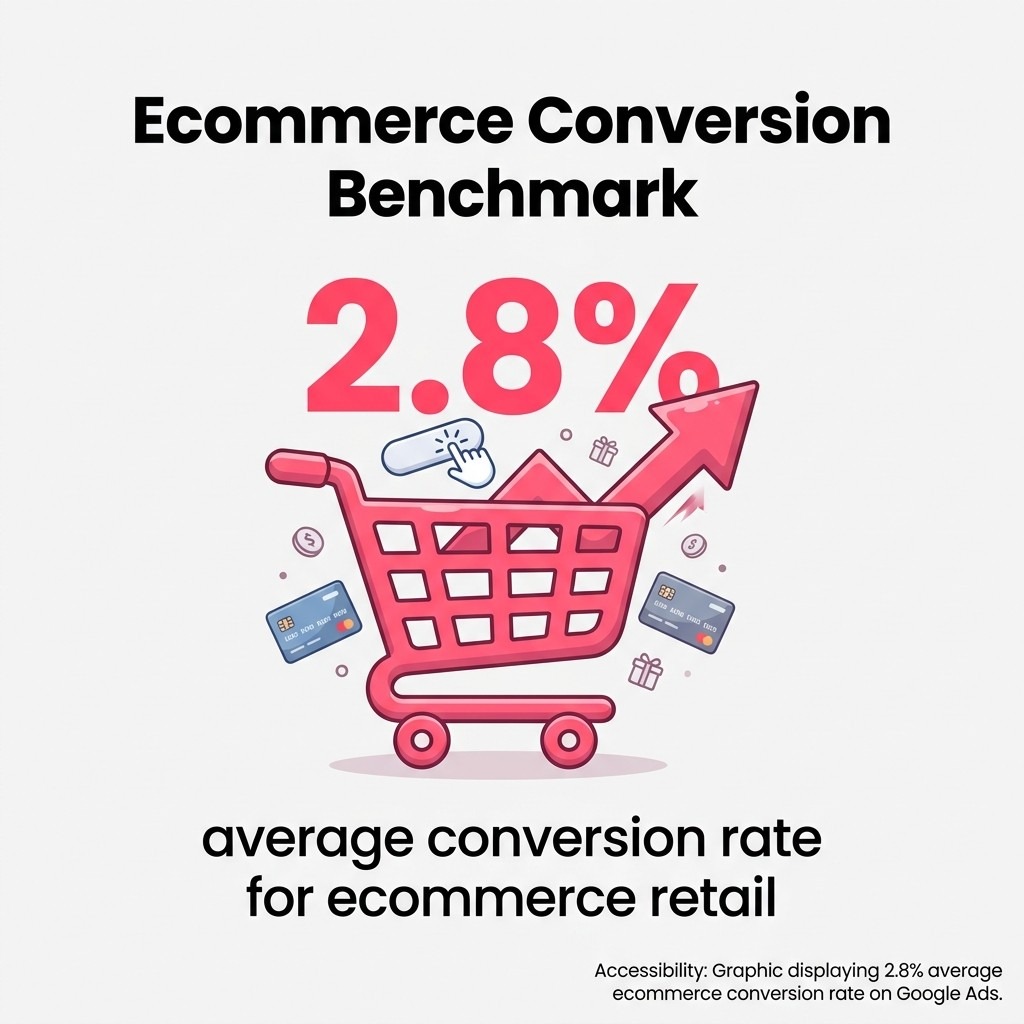
Google Ads works differently than social advertising. You're not interrupting someone's day with an ad. You're answering a question they already asked. That's why conversion intent runs higher. Average ecommerce retail conversion rates sit around 2.8%, which beats most cold-traffic channels.
The platform offers multiple campaign types. Shopping campaigns display product images and prices directly in search results. Search ads show text advertisements when people look for keywords you've selected. Performance Max taps into Google's entire inventory using automation. Display ads reach people browsing websites across the Google Display Network.
Each campaign type serves a different purpose in your growth strategy. New stores need different approaches than established brands. Low-margin products require different structures than high-ticket items. The key is matching campaign types to your specific situation.
Not all Google Ads campaign types work equally well for product sellers. Some deliver immediately. Others waste budget with nothing to show. You need to know which ones actually move inventory.
Shopping campaigns show your products with images, prices, and store names directly in search results. Someone searching for "red leather handbag" sees your actual product before they click. This transparency filters out tire-kickers and attracts buyers.
These campaigns pull from your Google Merchant Center product feed. The feed contains your product data: titles, descriptions, prices, images, and availability. Google matches this data to search queries automatically. You don't pick keywords like traditional search ads.
Shopping campaigns work exceptionally well for stores with visual products and competitive pricing. They dominate search results pages, often appearing before text ads. The visual format drives higher click-through rates than text alone.
Standard Shopping campaigns give you manual control over bids and product groups. Smart Shopping (now largely replaced by Performance Max) automated bidding and placement. For new accounts, Standard Shopping provides better learning and control.
Performance Max campaigns run across all Google properties: Search, Shopping, Display, YouTube, Gmail, and Discover. You provide creative assets and conversion goals. Google's algorithm handles everything else.
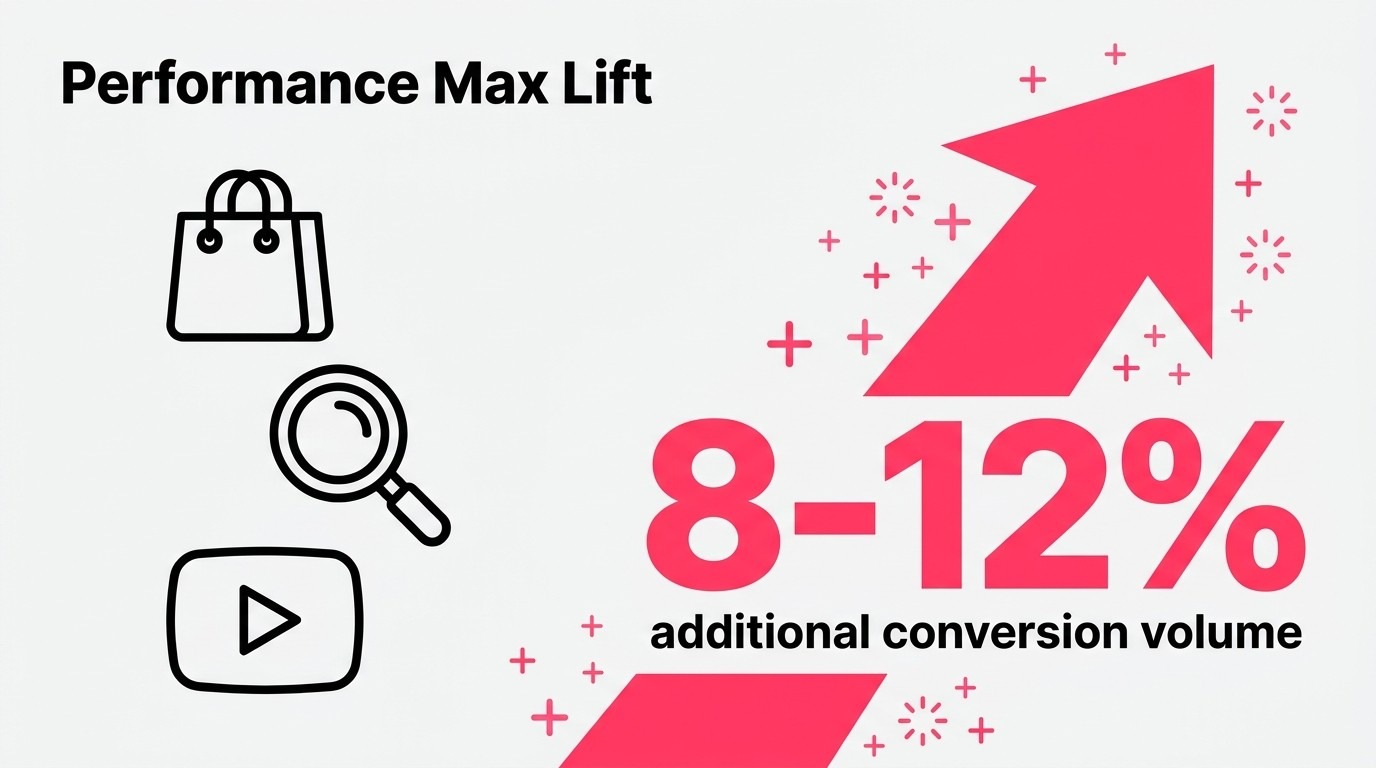
These campaigns capture 8-12% additional conversion volume beyond existing campaigns. The increase comes from placements you might not otherwise reach. Someone watching YouTube sees your product. They weren't searching, but the algorithm knows they're in-market.
Performance Max works best when you already have conversion data. The algorithm needs history to optimize effectively. Running it on a brand-new account with zero sales data typically underperforms. Build a foundation with Shopping or Search campaigns first.
The main trade-off is control. You can't see exactly where ads appear or which search terms triggered them. Google provides aggregated reports, but granular data stays hidden. This works fine when performance is strong. It's frustrating when you need to troubleshoot.
Search campaigns show text ads when people enter specific keywords you've selected. You write the ad copy. You choose the landing page. You control the message completely.
These campaigns excel for branded searches, problem-aware queries, and specific product categories where images matter less. Someone searching "best brake pad brands for track racing" wants information and comparison. A well-written search ad can win that click.
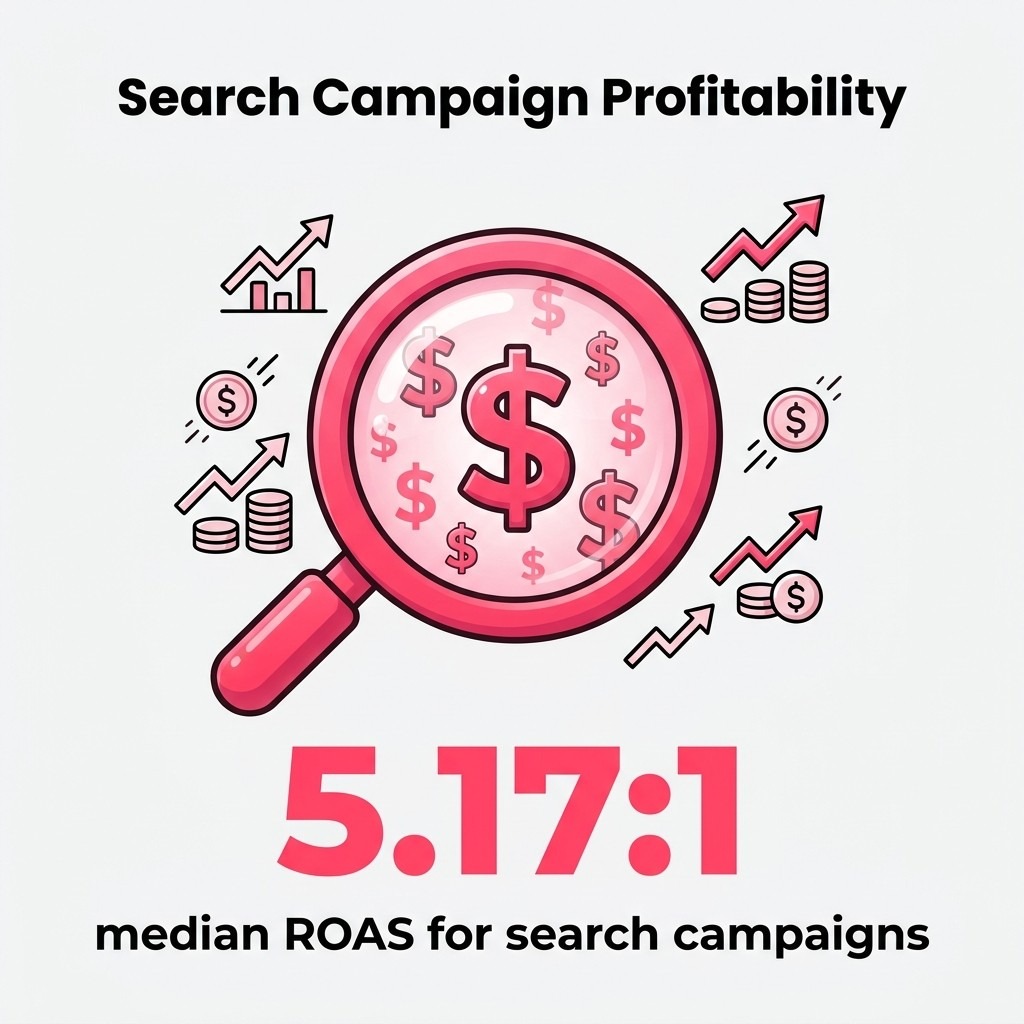
Search campaigns achieve median ROAS of 5.17:1, making them highly profitable when managed correctly. The key is keyword selection. Broad keywords burn budget on irrelevant traffic. Tightly themed ad groups with specific keywords convert consistently.
Search ads require more hands-on management than Shopping campaigns. You're writing ad copy, testing variations, adjusting bids by keyword, and constantly refining your keyword list. The control is valuable, but it demands more time.
Display campaigns show banner ads across millions of websites in Google's network. These work primarily for remarketing: showing ads to people who've already visited your store but didn't buy.
Dynamic remarketing automatically generates ads featuring products viewed by users. Someone browses your red handbag. They leave. Later, they see that exact handbag in a display ad while reading a news article. This reminder effect converts abandoned browsers into buyers.
Display campaigns rarely work for cold prospecting in ecommerce. Click-through rates run low. Conversion rates run lower. The exception is highly visual lifestyle brands where the creative itself sells. For most product sellers, remarketing is the only Display strategy worth the budget.
Set up remarketing lists based on user behavior. People who viewed products but didn't add to cart get one message. People who abandoned carts get another with urgency. People who purchased recently see complementary products. Behavioral segmentation dramatically improves Display performance.
Video campaigns run on YouTube and across Google's video partner sites. For ecommerce, these work best for products that benefit from demonstration or lifestyle positioning. Power tools, beauty products, outdoor gear, and fashion items often perform well.
YouTube audiences aren't actively shopping. You're interrupting content consumption. The creative needs to grab attention immediately and communicate value fast. Product demonstrations work. Lifestyle shots showing the product in use work. Corporate talking heads don't.
Video campaigns serve two purposes: building awareness with cold audiences and remarketing to warm traffic. The remarketing piece often delivers better direct ROI. Someone who visited your site sees a product video, remembers why they were interested, and comes back to buy.
Budget for Video cautiously. It takes more creative resources and typically converts at lower rates than Shopping or Search. But for the right products with the right creative, it opens an additional growth channel competitors might be ignoring.
Google Merchant Center is the product database that feeds your Shopping and Performance Max campaigns. Without it, you can't run product ads. With a messy setup, your campaigns underperform or get disapproved.
Create your Merchant Center account at merchants.google.com. You'll verify your website ownership and claim your URL. Google needs to confirm you control the domain you're advertising. Use the HTML tag verification method for simplicity.

Next comes the product feed. This is a structured data file containing all your product information. Most ecommerce platforms (Shopify, WooCommerce, BigCommerce) offer plugins that automatically generate feeds. If you're on a custom platform, you'll build the feed manually or use a feed management tool like GoDataFeed or Feedonomics.
Your feed needs specific attributes for each product. Title, description, link, image link, price, availability, and product identifier (GTIN, MPN, or brand). Google uses these to match products to searches and determine ad quality.
Product titles are crucial. Include your brand, product type, key features, and relevant attributes. "Red Leather Crossbody Handbag - Genuine Italian Leather - 10 inch" beats "Handbag Red." Google's algorithm pulls from your title to match searches. Descriptive titles improve match quality.
Images must meet Google's requirements: minimum 100x100 pixels, no promotional overlays, and accurate product representation. High-quality images increase click-through rates significantly. Blurry photos or images with text overlays get disapproved.
Keep pricing and availability current. Stale feeds showing out-of-stock products or incorrect prices lead to disapprovals and poor user experience. Automated feeds should update daily. Manual feeds require regular maintenance.
Google will flag feed issues in Merchant Center. Common problems include missing GTINs for branded products, mismatched prices between feed and landing page, and policy violations like prohibited products.
Fix errors methodically. Sort by most affected products first. A single feed setup issue can disapprove hundreds of items. Address the root cause rather than fixing products individually.
For GTIN requirements, branded products need valid identifiers. Generic or custom products can request exemptions. If you manufacture your own automotive parts, you won't have manufacturer GTINs. Apply for the identifier exemption in Merchant Center settings.
Landing page experience matters. The page you send clicks to must match the product in your feed. Same price, same product, same availability. Mismatches trigger disapprovals. Keep your website and feed synchronized.
Account structure determines how easily you can optimize and scale. Good structure makes improvements obvious. Poor structure creates confusion and wasted budget.
Start with campaign organization. Separate campaigns by product category, margin profile, or business objective. Don't dump everything into one campaign. An automotive parts store might run separate campaigns for brake components, suspension parts, and performance accessories.
Within campaigns, create tightly themed ad groups. Each ad group should contain closely related products or keywords. For Shopping campaigns, use product groups to segment by brand, category, or price range. For Search campaigns, group keywords by intent and product type.
For Shopping campaigns with varied inventory, consider Single Product Ad Groups (SPAGs). Each product gets its own ad group. This granularity lets you set exact bids per product based on margin and performance.
SPAGs work exceptionally well for stores with 100-500 SKUs. You can prioritize high-margin products with aggressive bids while keeping low-margin items conservative. The structure reveals exactly which products drive profit.
The downside is management complexity. More ad groups mean more to monitor. For stores with thousands of SKUs, SPAGs become unmanageable. Use category-based or attribute-based grouping instead.
Implement SPAGs by creating a campaign, then subdividing everything down to the individual product level using product groups. Set bids at the product group level. Monitor performance weekly and adjust based on ROAS.
Google lets you run multiple Shopping campaigns with different priorities: Low, Medium, and High. Higher priority campaigns serve first. This setup enables sophisticated bid strategies.
Create three campaigns with identical product groups but different priorities and bids. High priority campaign gets low bids and captures cheap clicks. Medium priority catches mid-range traffic. Low priority uses high bids for expensive but converting searches.
Add negative keywords to high and medium priority campaigns as you identify expensive non-converting searches. These searches then fall through to your low priority campaign where you can control bids more aggressively or exclude them entirely.
This layered approach maximizes profitable traffic while controlling waste. It takes more setup but pays off as you scale budget.
Budget and bidding directly impact profitability. Set them carelessly and you'll hit sales targets while losing money. Set them strategically and you'll scale profit alongside revenue.
Start with daily budgets that align with your profit margins. Calculate your break-even ROAS first. If you have 40% margins and want 10% profit after ad spend, you need minimum 4:1 ROAS. Set Target ROAS bidding at 4.5 or 5 to build a safety buffer.
New campaigns need learning periods. Google's algorithm requires data to optimize effectively. During the first 2-4 weeks, expect higher costs and lower ROAS. The system is testing. Let it run unless performance is catastrophically bad.
Smart Bidding uses machine learning to optimize bids automatically. Target ROAS and Target CPA are the primary options for ecommerce. Target ROAS optimizes for return on ad spend. Target CPA optimizes for cost per acquisition.
Target ROAS works better for most ecommerce scenarios. You care about revenue efficiency, not just conversion volume. Setting a 4:1 ROAS target tells Google to maximize revenue while staying at or above that ratio.
The algorithm adjusts bids in real-time based on conversion likelihood. Smart Bidding exploration led to a 19% increase in total conversions in Google's own testing. The system bids aggressively for high-probability conversions and conservatively for long shots.
Give Smart Bidding clean conversion data. Track actual revenue, not just purchases. A $500 order is worth more than a $50 order. Revenue-based conversion tracking lets the algorithm optimize for order value, not just volume.
Manual bidding gives you complete control over maximum CPC bids. You set the exact amount you're willing to pay per click for each ad group or product group. No algorithm overrides your decisions.
This approach works well when you're learning or have very specific margin requirements by product. You can ensure high-margin items get aggressive bids while protecting thin-margin products with conservative caps.
The trade-off is time. Manual bidding requires constant monitoring and adjustment. You're doing what Smart Bidding automates. For small accounts or specific situations, the control is worth it. As you scale, automation becomes necessary.
Use manual bidding initially to understand your baseline costs and conversion rates by product. Once you have solid data, transition to Smart Bidding while maintaining manual campaigns for products with unique requirements.
Don't split budget evenly across all campaign types. Prioritize based on performance and business stage. New stores should focus 70-80% on Shopping campaigns initially. They deliver the fastest revenue at the most efficient cost.
Add Performance Max once Shopping campaigns run profitably and you have 3+ months of conversion data. Start with 20-30% of total budget. Monitor for cannibalization: if Performance Max grows but Shopping declines proportionally, you're just shifting traffic, not adding it.
Search campaigns typically get 10-20% of budget, focused on branded terms and high-intent keywords where Shopping doesn't capture traffic. Display remarketing might receive 5-10% for stores with sufficient traffic volume.
Adjust allocation monthly based on performance. If Shopping delivers 6:1 ROAS while Performance Max hits 3:1, shift budget toward Shopping. Let results drive resource allocation, not arbitrary percentages.
You can't optimize what you don't measure. Conversion tracking tells Google which clicks lead to sales. Without it, Smart Bidding fails and you're flying blind.
Set up conversion tracking through Google Ads or Google Tag Manager. Tag Manager offers more flexibility and easier maintenance. Install the base code on all pages, then configure conversion events for purchases, add-to-cart actions, and newsletter signups.
Track revenue with every conversion. Pass the actual transaction value to Google Ads. This enables Target ROAS bidding and accurate ROI reporting. Standard conversion tracking just counts conversions. Revenue tracking shows profitability.
Enhanced conversions use hashed first-party data for more accurate tracking. When someone converts, you send encrypted email and phone data to Google. This helps match conversions to clicks even when cookies are blocked or users switch devices.
Set up Enhanced Conversions in Google Ads under conversion settings. You'll either modify your tracking code manually or use Google Tag Manager's built-in enhanced conversion variable. The setup takes 30 minutes but significantly improves attribution accuracy.
iOS privacy changes and cookie restrictions have degraded tracking quality across advertising platforms. Enhanced Conversions recovers much of this lost attribution. Expect 10-20% more conversions properly attributed after implementation.
Privacy compliance matters here. Hash data before sending. Don't pass personally identifiable information in plain text. Google's documentation provides exact implementation requirements. Follow them precisely.
Google Ads defaults to last-click attribution: the final click before conversion gets all credit. This undervalues awareness campaigns and upper-funnel touchpoints.
Consider data-driven attribution instead. This model uses your actual conversion path data to assign fractional credit across multiple touchpoints. Someone might click a Display ad, then a Shopping ad, then a Search ad before buying. Data-driven attribution credits all three proportionally.
The catch: data-driven attribution requires minimum conversion volumes (typically 300+ conversions in 30 days). Smaller accounts stick with last-click while building data.
Understanding attribution helps set realistic expectations by campaign type. Display campaigns won't show strong last-click ROAS because they initiate journeys rather than close them. Don't kill campaigns that contribute to conversions even if they don't get final-click credit.
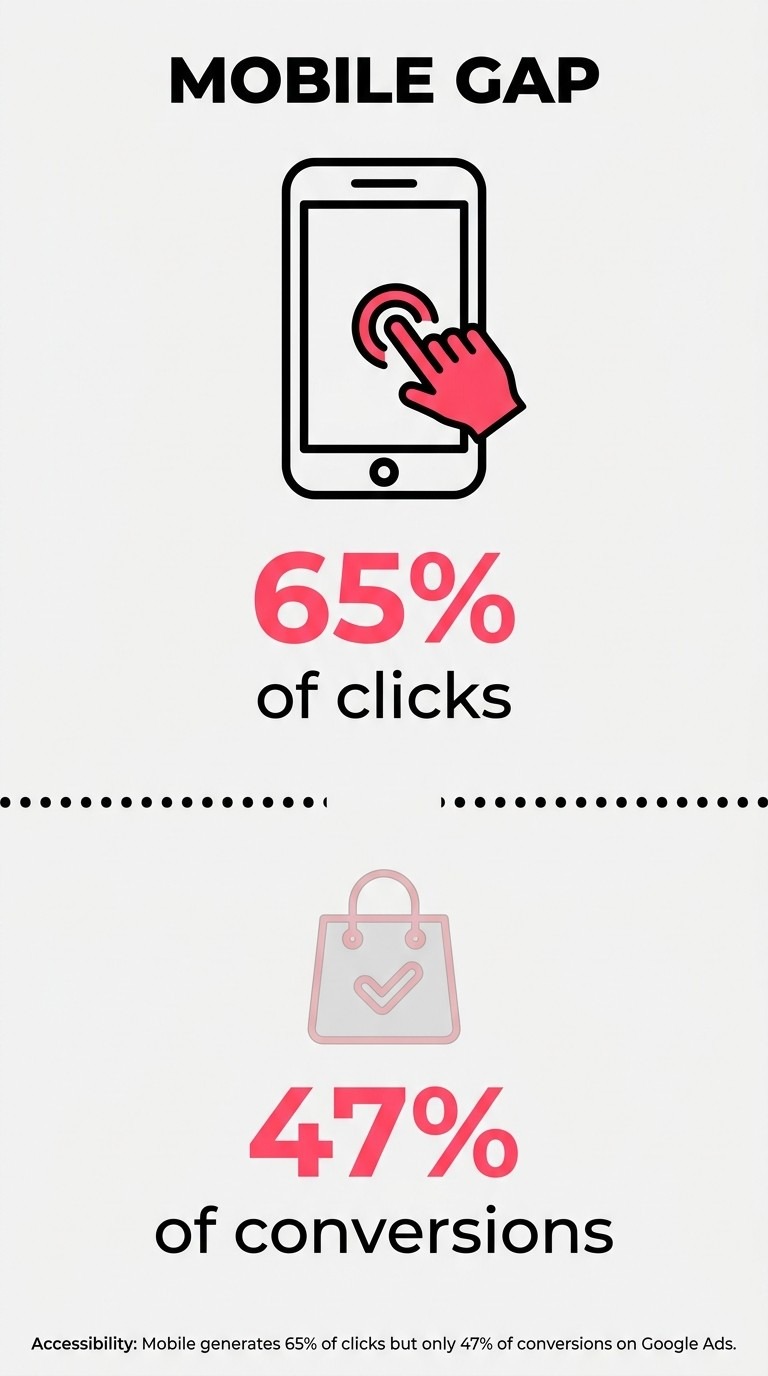
Mobile accounts for 65% of all Google Ads clicks but only 47% of conversions. This gap reveals opportunity. Most mobile experiences are terrible. Fix yours and you'll capture sales competitors lose.
Check your mobile landing page speed. Pages taking 3+ seconds to load lose half their visitors before anything renders. Use Google's PageSpeed Insights to identify problems. Compress images, enable caching, minimize redirects.
Mobile users behave differently. They scan rather than read. They scroll faster. They abandon easier. Your mobile product pages need instant value communication: product image, price, add-to-cart button visible without scrolling.
Bid adjustments let you increase or decrease bids by device type. If mobile converts at half the rate of desktop but costs the same per click, reduce mobile bids by 30-50%.
Calculate device-specific ROAS from campaign reports. Sort by device. Compare mobile, desktop, and tablet performance separately. Adjust bids to equalize ROAS across devices or prioritize better performers.
Some products naturally work better on mobile. Simple, impulse purchases convert well. Complex, considered purchases favor desktop. An automotive parts store selling common maintenance items might see strong mobile performance. One selling custom turbo kits probably won't.
Test mobile bid adjustments in 10% increments. Monitor for a week. If ROAS improves without killing volume, adjust further. If volume drops too much, scale back. Find the efficiency point for your specific products.
Ad copy that works on desktop often fails on mobile. Mobile users see less text before truncation. Front-load key information. Price, unique value, and call-to-action should appear in the first 50 characters.
Responsive search ads can test up to 15 headlines and 4 descriptions. Google mixes combinations to find what performs best. Use this to test mobile-optimized short headlines against desktop-friendly longer ones.
Shopping ads rely entirely on images and product titles. Mobile screens show smaller images. Use clear, high-contrast product photos that remain recognizable when compressed. Test product titles for mobile readability: do they communicate value in the first 30 characters?
Most visitors don't buy on their first visit. Remarketing brings them back. It's often your highest-ROAS channel because you're targeting people who've already shown interest.
Build audience lists based on user behavior. Create separate lists for homepage visitors, category browsers, product viewers, cart abandoners, and past purchasers. Each segment gets different messaging and bid strategies.
Cart abandoners are your hottest prospect. They almost bought. Show them the exact products they abandoned with urgency messaging: "Still thinking about [product]? Order today for free shipping." Add a 10% discount code if margins allow.
Dynamic remarketing shows users specific products they viewed. Google pulls product data from your Merchant Center feed and automatically generates ads featuring those items.
Set up dynamic remarketing through Google Ads by enabling dynamic ads and connecting your Merchant Center feed. Tag your website with dynamic remarketing parameters that capture product IDs when users view pages.
The personalization drives significantly higher click-through and conversion rates than generic remarketing. Someone who viewed a specific brake rotor sees that exact rotor in their remarketing ad. It's a reminder with product specificity.
Frequency cap your remarketing. Showing the same ad 50 times per day annoys users and wastes impressions. Cap at 3-5 impressions per day. Rotate creative to avoid ad fatigue.
Not all remarketing audiences need the same message. Someone who visited once needs brand education. Someone who abandoned a cart needs urgency. Someone who purchased needs cross-sells.
Create sequential messaging based on days since interaction. Days 1-3 after cart abandonment: show abandoned products with urgency. Days 4-7: add a discount incentive. Days 8-14: final reminder before list exclusion.
Past purchasers shouldn't see acquisition messaging. Show them complementary products instead. Someone who bought brake pads might need rotors. Someone who bought a turbo kit might need installation hardware. Use purchase data to inform remarketing product selection.
Exclude recent converters from acquisition remarketing lists. If someone bought yesterday, don't spend a week showing them ads to buy again. Move them immediately to the past purchaser cross-sell list.
Campaign setup is foundation. Optimization is where you separate profitable scale from stagnant mediocrity. Small improvements compound when you're spending thousands monthly.
Start with search term reports. Review what queries actually triggered your ads. You'll find irrelevant garbage: searches that clicked but will never convert. Add these as negative keywords immediately.
Check search terms weekly for the first month, then biweekly. You're teaching Google what not to show. A properly negative-keyword list can improve ROAS by 30-50% by eliminating waste.
Not all products deserve equal bids. High-margin items can sustain higher acquisition costs. Low-margin products need conservative bidding. Segment your product groups by margin and bid accordingly.
Identify your hero products: high margin, good conversion rate, strong demand. Push these aggressively. Double your bids if needed. These products fund your growth.
Find your loss leaders: items that attract traffic but convert poorly or have terrible margins. Reduce bids or pause entirely. Some products aren't worth advertising. Focus budget on winners.
Review product-level performance monthly. Sort by spend, ROAS, and conversion rate. Kill the bottom 20% of products by performance. Reallocate budget to the top 20%. Concentration beats dilution.
Your search ad copy directly impacts click-through rate and conversion rate. Small improvements multiply across thousands of impressions.
Test one element at a time. Changing headlines and descriptions simultaneously makes it impossible to know what worked. Test headline variations first. Once you have a winner, test description variations.
Focus on specificity over generic benefits. "Free 2-Day Shipping on Brake Pads" beats "Quality Auto Parts." Concrete value propositions outperform vague claims.
Include pricing when possible. Price-conscious shoppers will click or skip based on cost. Showing price filters out people outside your range before they click. This improves conversion rates even if it reduces click-through rates.
Your landing page must deliver on ad promises. If your ad says "Free Shipping," the landing page needs visible free shipping messaging. Disconnect between ad and page kills conversions.
Match product availability between ads and pages. Nothing frustrates users more than clicking an ad for an item that's out of stock. Sync your feed with inventory daily at minimum.
Reduce friction in the purchase path. Every additional click or form field costs conversions. Can users add to cart without leaving the product page? Can they check out as guests? Can they complete purchase in three clicks?
Test landing page variations using Google Optimize or your ecommerce platform's built-in tools. Try different layouts, button colors, and messaging. Track impact on conversion rate. Small improvements scale significantly when traffic is high.
I've audited hundreds of ecommerce Google Ads accounts. The same mistakes appear repeatedly. Avoid these and you're ahead of 80% of competitors.
Mistake one: running campaigns without conversion tracking. You're optimizing blind. Google's algorithm has no signal about what works. Set up proper conversion tracking before spending serious money.
Mistake two: using broad match keywords in Search campaigns without extensive negative keyword lists. Broad match triggers on loosely related searches. You'll get traffic, but it won't convert. Use phrase match or exact match until you have robust negative keyword coverage.
Mistake three: ignoring search term reports. Your search terms show reality. Your keywords show intentions. Reality matters more. Check what's actually triggering ads weekly.
Mistake four: not segmenting products by margin. Treating all products equally means losing money on low-margin items to subsidize high-margin ones. Bid based on profit potential, not just revenue.
Mistake five: expecting immediate results. Google Ads requires a learning period. Budget for 30-60 days to gather meaningful data before making major strategy changes. Patience prevents panic-based bad decisions.
Google removed more than 8.3 billion ads globally in 2025 for policy violations. Getting your account or products suspended kills revenue instantly.
Common ecommerce policy issues include misrepresentation (showing different products than advertised), prohibited products (supplements, weapons, counterfeit goods), and destination mismatches (feed shows one price, website shows another).
Read Google's Shopping policies before launching campaigns. Know what's prohibited in your category. Automotive aftermarket parts sellers need to avoid claims about performance improvements without disclaimers. Supplement sellers face even stricter rules.
If you get disapproved, read the specific policy cited. Fix the exact issue mentioned. Resubmit with a clear explanation of changes made. Generic appeals rarely work. Specific fixes do.
You've built profitable campaigns. Now you want to grow. Scaling requires different thinking than initial setup. What works at $1,000/month breaks at $10,000/month.
Increase budgets gradually. Don't double overnight. Raise daily budgets 20% per week when ROAS holds steady. This lets the algorithm adapt without forcing it to find dramatically more inventory instantly.
Add new campaign types as you scale. Start with Shopping. Add Performance Max when Shopping plateaus. Layer in Search for branded and high-intent keywords. Each type expands your reach into new inventory.
Geographic expansion works well for ecommerce. If you're profitable in California, test Texas or Florida. Add states individually rather than going nationwide immediately. Monitor performance by location and expand to winners.
Product expansion: your advertising teaches you what people want. Use Google Ads data to inform inventory decisions. Which products get the most clicks? Which convert best? Stock more of those. Cut advertising on poor performers and use the budget for proven winners.
Early-stage stores can self-manage Google Ads. You have time. You're learning your products and market. The hands-on experience is valuable.
Consider agencies or freelancers when monthly ad spend exceeds $10,000 or you're spending 20+ hours weekly on management. Your time has value. If campaign management prevents you from sourcing better products or improving operations, delegate it.
Look for ecommerce PPC management specialists rather than generalist agencies. Ecommerce requires specific knowledge about product feeds, Shopping campaigns, and margin-based optimization. General agencies often treat it like lead generation, which fails.
Good agencies should improve your ROAS while scaling spend. If ROAS decreases as spend increases, something's wrong. Scaling should maintain or improve efficiency, not destroy it.
Before hiring anyone, ensure your conversion tracking, product feed, and account structure are solid. An agency can't fix fundamentally broken infrastructure. Get the foundation right, then scale with expert help.
You've got the framework. Here's how to implement it over the next month without overwhelming yourself.
Week 1: Foundation and Setup
Create your Google Merchant Center account and submit your product feed. Set up conversion tracking with revenue values. Install Enhanced Conversions if technically possible. Link Google Ads to Merchant Center and Analytics.
Don't launch campaigns yet. Verify your feed is approved and tracking fires correctly. Test a purchase yourself and confirm it appears in Google Ads conversion reports.
Week 2: Campaign Launch
Build your first Standard Shopping campaign using Shopping ads optimization best practices. Start with a conservative budget: $30-50 daily for small stores, $100-200 for larger inventories. Use manual CPC bidding initially to establish baselines.
Create product groups by category or margin level. Set bids based on your target ROAS calculation. Let it run for the full week without changes.
Week 3: Data Analysis and Refinement
Review search term reports and add negative keywords. Check product-level performance and adjust bids for clear winners and losers. Increase budget by 20% if ROAS meets targets.
Set up remarketing lists and dynamic remarketing tags. Build your first Display remarketing campaign for cart abandoners with a small daily budget ($10-20).
Week 4: Optimization and Expansion
Transition successful Shopping campaigns to Target ROAS bidding if you have 30+ conversions. The algorithm now has enough data to optimize. Set your target 20% higher than your required ROAS to build margin buffer.
Consider adding a Performance Max campaign if Shopping performs well. Start with 20-30% of your Shopping budget.
Launch a Search campaign targeting your brand name and top 5 high-intent keywords. Use exact match keywords and manual bidding.
After 30 days, you'll have real data about what works for your specific products and audience. Use this foundation to scale methodically. Remember: value-based bidding and systematic testing separate profitable campaigns from cash drains. Build the structure now, and you'll scale profitably for years.