

Managing thousands of products in Google Merchant Center while keeping titles, descriptions, and images optimized feels impossible.
Most retailers pour money into campaigns while over 80% fail to meet basic search and discovery performance KPIs despite those investments.
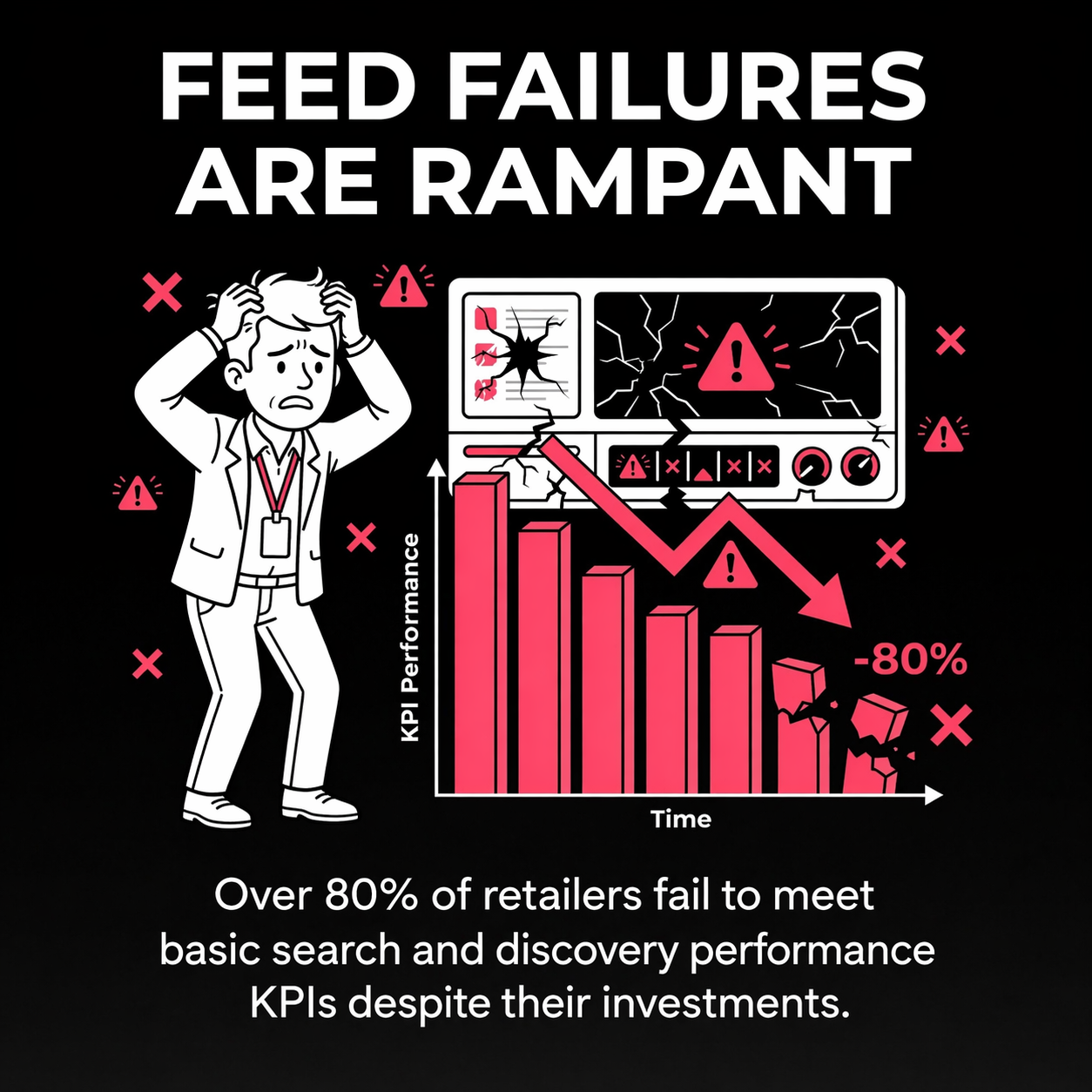
Over 80% of retailers fail to meet basic search and discovery performance KPIs despite significant ad spend.
Product feed optimization transforms chaos into revenue. I've watched automotive parts retailers with 50,000 SKUs dominate Google Shopping by fixing their feeds. The difference between mediocre and exceptional performance comes down to systematic feed management, not bigger budgets.
This guide shows you how to optimize large product catalogs efficiently. You'll learn which attributes matter most, how to automate optimization at scale, and where to focus effort for maximum return. We'll cover Google Merchant Center requirements, title and description strategies, image optimization, and automation tactics that make managing 10,000+ products feasible.
Large catalog optimization isn't about perfecting every detail manually. It's about creating scalable systems that improve visibility, click-through rates, and conversions across your entire inventory.
Product feed optimization is the process of refining product data to meet platform requirements and maximize visibility. For large catalogs, this means creating repeatable systems that improve thousands of products simultaneously.
Your product feed contains structured data about every item you sell. Google Merchant Center, shopping platforms, and marketplaces read this data to display products to shoppers. Feed quality directly determines whether products appear in searches and how appealing they look when they do.
Small catalogs can afford manual optimization. Large catalogs cannot. Automation can reduce manual effort per product from minutes to seconds, making optimization feasible at scale.
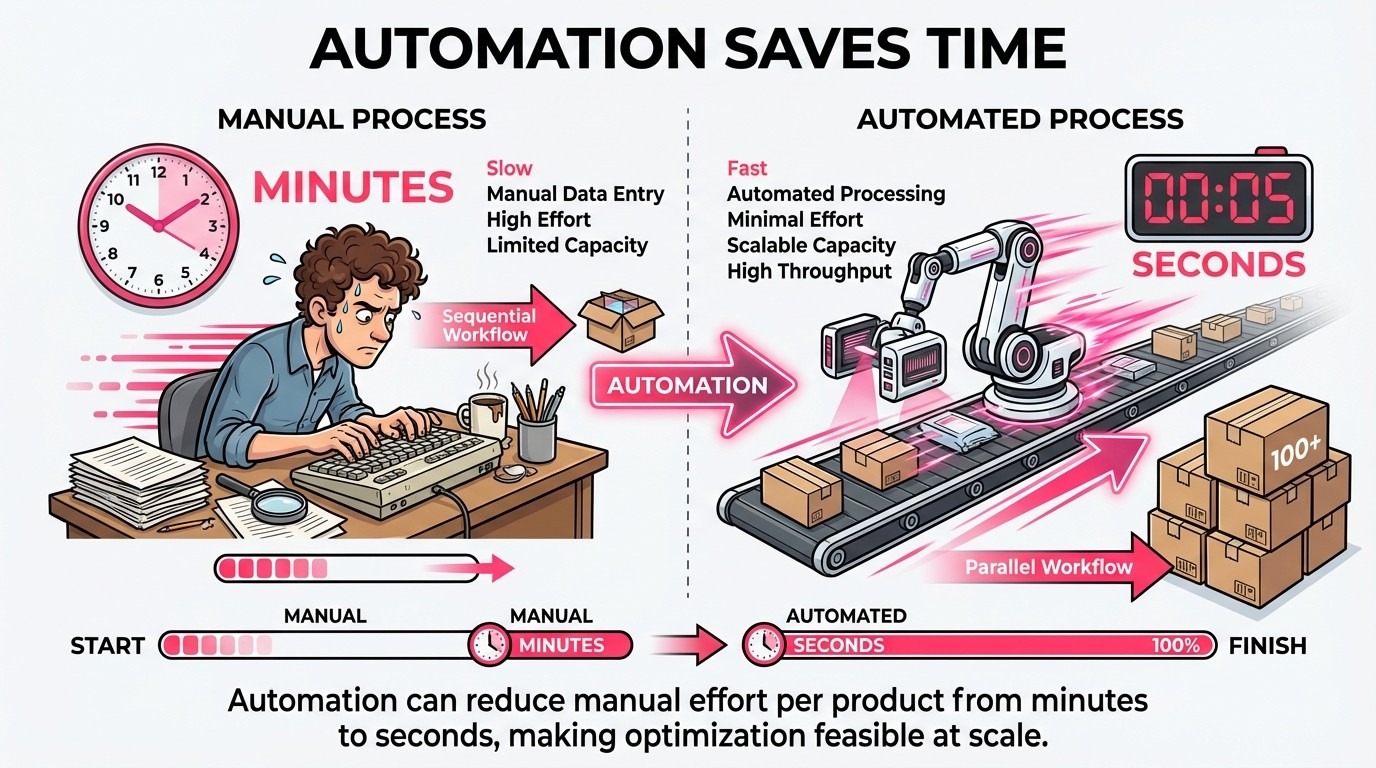
Automation can cut manual effort per product from minutes to seconds, making large-catalog optimization scalable.
Product feeds include required attributes and optional attributes. Required fields include product title, description, link, image link, price, and availability. Missing any required attribute causes product disapproval.
Optional attributes like GTIN, brand, color, size, and material boost performance significantly. Google uses these attributes to match products to searches and compare offerings across retailers.
The challenge with large catalogs is maintaining consistency. One SKU with a poorly formatted title creates minimal impact. Five thousand SKUs with inconsistent titles tank performance across entire categories.
Google Shopping campaigns and Performance Max rely entirely on feed data. Better feeds drive better algorithm decisions about when and where to show products.
Feed optimization affects three critical metrics: impression share, click-through rate, and conversion rate. Optimized titles increase impressions by matching more relevant searches. Better images improve click-through rates. Accurate descriptions boost conversion rates.
For automotive parts catalogs, feed quality becomes even more critical. Shoppers search using specific part numbers, vehicle compatibility, and technical specifications. Feeds that include this detail win the visibility battle.
Not all product attributes carry equal weight. Focus optimization efforts on attributes with the highest performance impact.
Product titles matter most. Titles appear in search results and determine whether Google matches products to queries. Google gives title content heavy algorithmic weight when deciding which products to show.
Focused title optimization can drive 20 to 30% swings in click-through rate. That single attribute creates more impact than any other feed element.
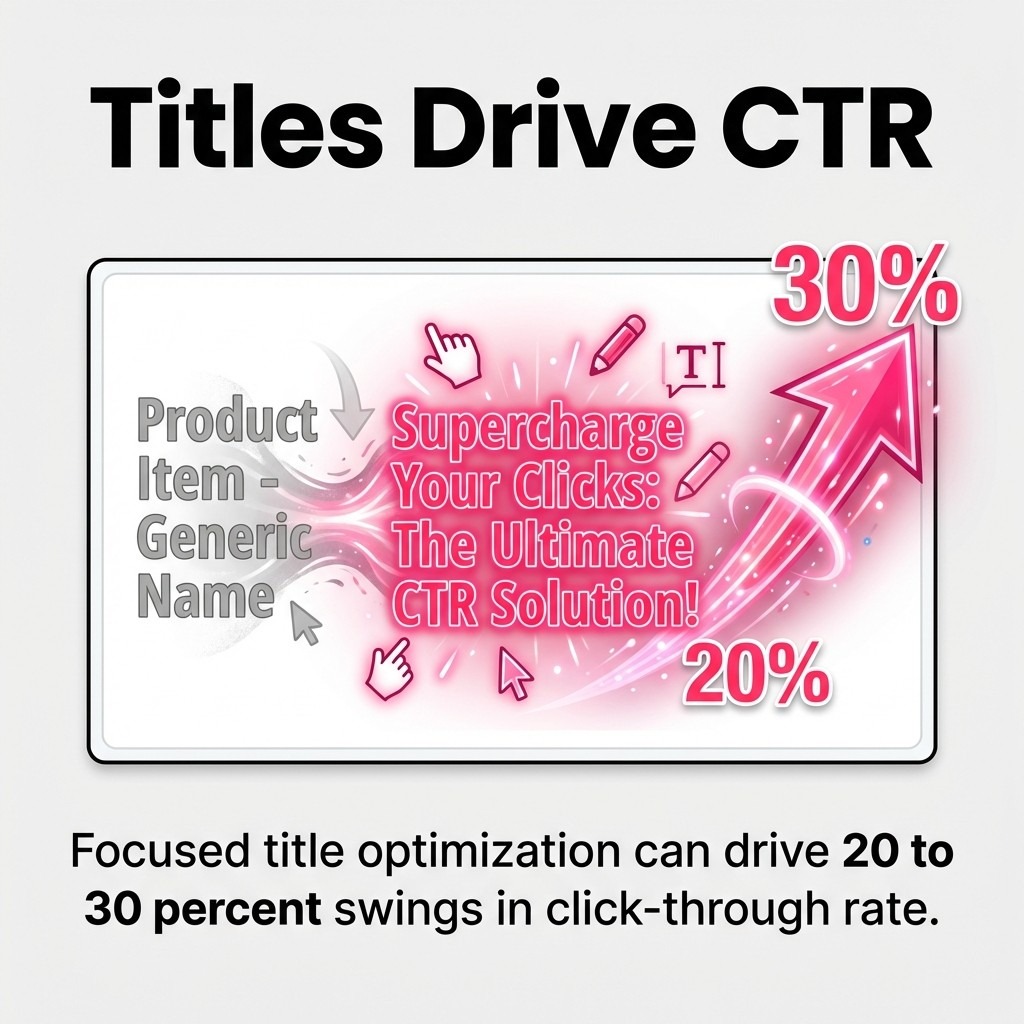
Focused title optimization can drive 20–30 percent swings in click-through rate.
Effective product titles follow a specific structure: Brand + Product Type + Key Attributes. For automotive parts, this becomes: Brand + Part Type + Fitment + Specifications.
Google allows 150 characters in product titles, but shoppers see only the first 70 characters in most views. Front-load critical information within those first 70 characters.
Avoid promotional language in titles. Terms like "best," "cheap," or "free shipping" violate Google Merchant Center policies. Stick to factual product information.
Product descriptions serve two purposes: providing shoppers with information and giving Google context for search matching. Both matter for large catalogs.
Descriptions should be 500-1000 characters. Shorter descriptions miss opportunities to include relevant search terms. Longer descriptions risk losing shopper attention.
Structure descriptions consistently across similar products. Start with primary benefit, add technical specifications, include compatibility details, and end with usage information. This pattern makes bulk optimization easier.
Product images appear in every shopping result, so image quality can have a meaningful impact on click-through rates. In one live case study, improving product imagery lifted CTR by about 28%.
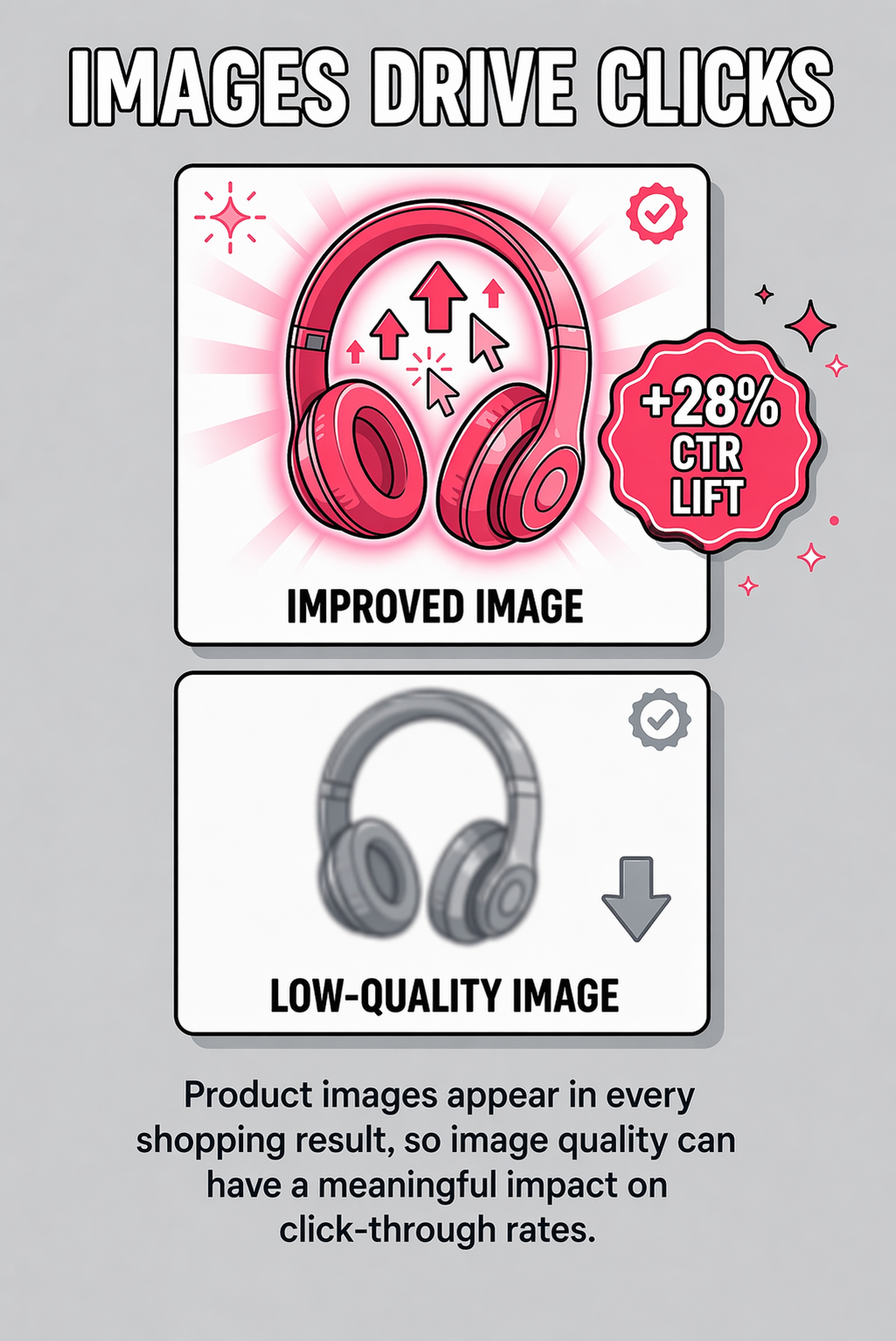
Better product images could lift Shopping CTR by 28%
Google requires images at least 100x100 pixels, but recommends 800x800 pixels or larger. Use the highest quality images available from manufacturers or your photography.
White backgrounds perform best for most product categories. Products should fill 75-90% of the image frame. Multiple angles help, but the primary image matters most for feed optimization.
Global Trade Item Numbers (GTINs) are unique product identifiers assigned by manufacturers. Including valid GTINs significantly improves product matching and visibility.
Products with GTINs receive priority placement in Google Shopping results. Google uses GTINs to cluster identical products from different retailers and compare prices.
For automotive parts, manufacturer part numbers (MPNs) serve similar functions. Always include both GTIN and MPN when available. These identifiers help Google understand exactly which product you're selling.
Title optimization for large catalogs requires templates and automation. Manual title writing for thousands of products wastes resources and creates inconsistency.
Start by auditing current titles. Export your product feed and analyze title patterns. Look for missing brand names, vague product types, and inconsistent attribute placement.
Create title templates based on product categories. Different product types need different title structures. Brake pads need fitment information. Filters need specifications. Accessories need compatibility details.
Title templates use product data fields to construct optimized titles automatically. A basic template looks like: {brand} {product_type} for {vehicle_make} {vehicle_model} {vehicle_year}.
Advanced templates incorporate conditional logic. If a product has a color attribute, include it. If size matters for the category, add it. If the attribute doesn't exist, the template skips it.
Most ecommerce platforms and feed management tools support dynamic title generation. Understanding attribute structure makes template creation straightforward.
Different title structures produce different results. Google's product data experiments feature allows controlled A/B testing of Shopping ad attributes, showing which title variation drives more sales within three to four weeks.
Test one variable at a time. Try brand-first versus product-type-first. Test long-form versus short-form descriptions. Compare technical specifications versus benefit-focused language.
Run experiments for at least two weeks to gather sufficient data. Products with higher traffic produce faster results. Low-traffic items need longer test periods.
The most common title mistake is duplication. Multiple products sharing identical titles confuse Google and shoppers. Each SKU needs unique title content.
Another frequent error involves keyword stuffing. Repeating the same terms multiple times triggers quality issues. One mention of each relevant attribute suffices.
All-caps titles violate Google policies. Proper capitalization makes titles more readable and avoids policy issues. Capitalize brand names and proper nouns only.
Product descriptions serve different masters: search algorithms and human shoppers. Both need attention, but the balance differs for large catalogs.
Search optimization means including terms shoppers actually use. Conversions require compelling copy that addresses buyer concerns. The sweet spot combines both elements naturally.
For large catalogs, description templates create consistency while allowing category-specific customization. Automotive parts descriptions need fitment guarantees. Accessories need compatibility assurances. Replacement parts need quality comparisons to OEM specifications.
Start descriptions with the primary benefit or use case. "These ceramic brake pads deliver quiet, dust-free braking for daily drivers" beats "Brake pads manufactured using advanced ceramic compounds."
Follow the opening with three to five bullet points covering key features. Keep bullets concise and specific. Vague claims like "high quality" add no value.
Include technical specifications in a structured format. Dimensions, materials, compatibility details, and warranty information belong here. This section feeds both search algorithms and detail-oriented shoppers.
Natural keyword inclusion beats forced repetition. Mention each critical search term once in context rather than multiple times awkwardly.
Related terms and synonyms improve search coverage without repetition. "Brake pads," "brake pad set," "friction pads," and "disc brake pads" capture different search variations naturally.
Long-tail keywords belong in descriptions more than titles. "Ceramic brake pads for towing heavy loads" works well in description copy. It's too specific for most title structures.
Manufacturer-provided descriptions create duplicate content problems. Dozens of retailers using identical descriptions compete for the same visibility.
Customize descriptions even minimally. Add fitment notes, installation tips, or common uses specific to your customer base. These additions differentiate your listings from competitors.
For automotive parts retailers, adding vehicle-specific compatibility notes transforms generic descriptions into unique content. "Fits 2015-2020 Ford F-150 with 5.0L V8" works better than copying the manufacturer's universal description.
Google Product Category is a required attribute using Google's taxonomy. Product Type is an optional attribute using your own classification system. Both affect product visibility and campaign organization.
Google Product Category helps Google understand what you're selling. Accurate categorization improves search matching. Miscategorized products appear in irrelevant searches or miss relevant ones entirely.
Product Type gives you control over campaign structure and reporting. Create product type values that match how you think about inventory segmentation.
Google's product taxonomy includes thousands of categories. Automotive parts fall under "Vehicles & Parts > Vehicle Parts & Accessories" with numerous subcategories.
Choose the most specific category applicable. "Brake Pads" beats "Vehicle Parts." More specific categories improve search matching accuracy.
Review Google's full taxonomy at Google's official category list. Map your product categories to Google's taxonomy systematically rather than guessing.
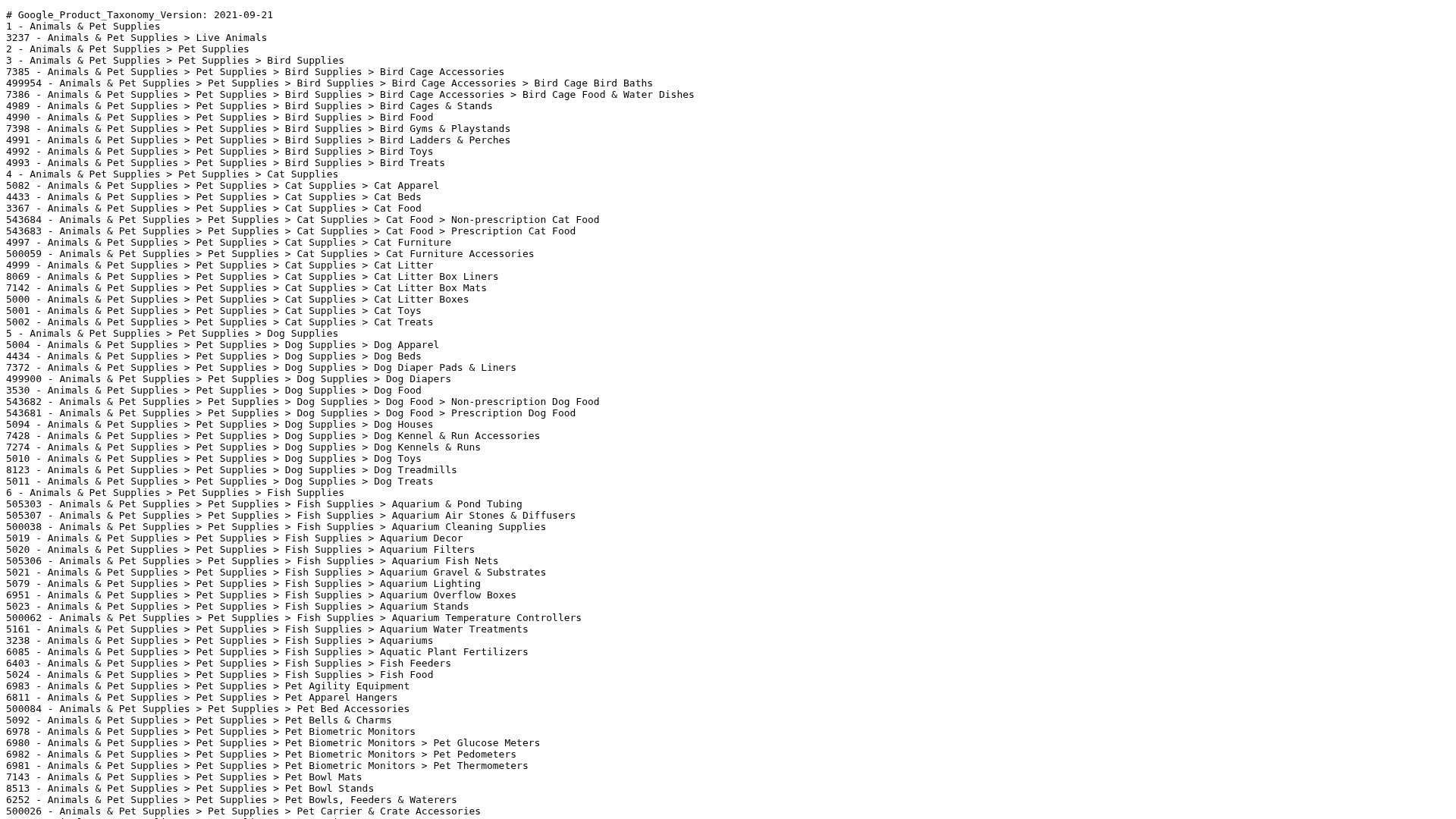
Screenshot: Google's official product taxonomy (TXT) for accurate Google Product Category mapping
Product Type supports hierarchical classification using ">" separators. "Parts > Braking System > Brake Pads > Ceramic" creates four levels of organization.
Structure product types to support campaign organization. If you run separate campaigns for brake components versus engine components, make that your top-level product type distinction.
Product type values flow into campaign reporting. Thoughtful hierarchies make performance analysis clearer. Poor hierarchies create reporting confusion.
Custom labels are your secret weapon for large catalog management. Google Merchant Center provides five custom label fields for any classification scheme you choose.
Retailers can apply custom labels to enable tighter budget allocation and bidding strategies, particularly on high-margin products.
Common custom label strategies include profit margin tiers, seasonal products, clearance items, bestsellers, and new arrivals. Labels enable audience segmentation and bid adjustment without creating hundreds of product groups manually.
Product images make or break click-through rates in Google Shopping results. Shoppers scan images before reading titles or prices.
Image optimization for large catalogs focuses on consistency and quality standards rather than individual image perfection. Establish minimum quality thresholds and ensure all products meet them.
The goal isn't award-winning photography. The goal is clear, accurate product representation that helps shoppers identify what they're looking at quickly.
Google requires square or rectangular images. Images must be at least 100x100 pixels, with 800x800 recommended for most products.
File formats include JPEG, PNG, GIF, BMP, and TIFF. JPEG works best for photographs. PNG handles graphics with transparency.
File size limits reach 16MB per image, but smaller files load faster. Keep images under 1MB when possible without sacrificing visible quality.
Products should fill 75-90% of the image frame. Too much white space makes products look small. Too little space crops important details.
White backgrounds work best for most categories. Product images on white backgrounds achieve higher click-through rates than lifestyle images in most testing.
For automotive parts, showing the product clearly matters more than creative composition. A clear photo of brake pads against white outperforms an artistic shot of pads installed on a vehicle.
<iframe width="1121" height="630" src="https://www.youtube.com/embed/Em3Pe7CYHQo" title="Why Most Google Shopping & Performance Max Campaigns Fail" frameborder="0" allow="accelerometer; autoplay; clipboard-write; encrypted-media; gyroscope; picture-in-picture; web-share" referrerpolicy="strict-origin-when-cross-origin" allowfullscreen></iframe>
Google supports multiple images per product through the additional image link attribute. Include up to 10 additional images showing different angles or details.
Additional images appear when shoppers click into product details. They don't affect initial visibility but improve conversion rates by providing more product information.
For variant products (same item in different colors or sizes), use the same primary image structure. Consistency helps shoppers compare variants efficiently.
Managing large catalog feeds manually doesn't scale. Automation tools transform impossible tasks into manageable workflows.
Feed management platforms connect to your ecommerce system, apply optimization rules, and submit feeds to multiple channels. Understanding automation options helps you choose appropriate tools.
The right automation level depends on catalog size and complexity. Catalogs under 1,000 products might manage with basic tools. Catalogs over 10,000 products need sophisticated platforms.
Feed management platforms like GoDataFeed, ChannelAdvisor, and Feedonomics handle data transformation, optimization rules, and multi-channel distribution.
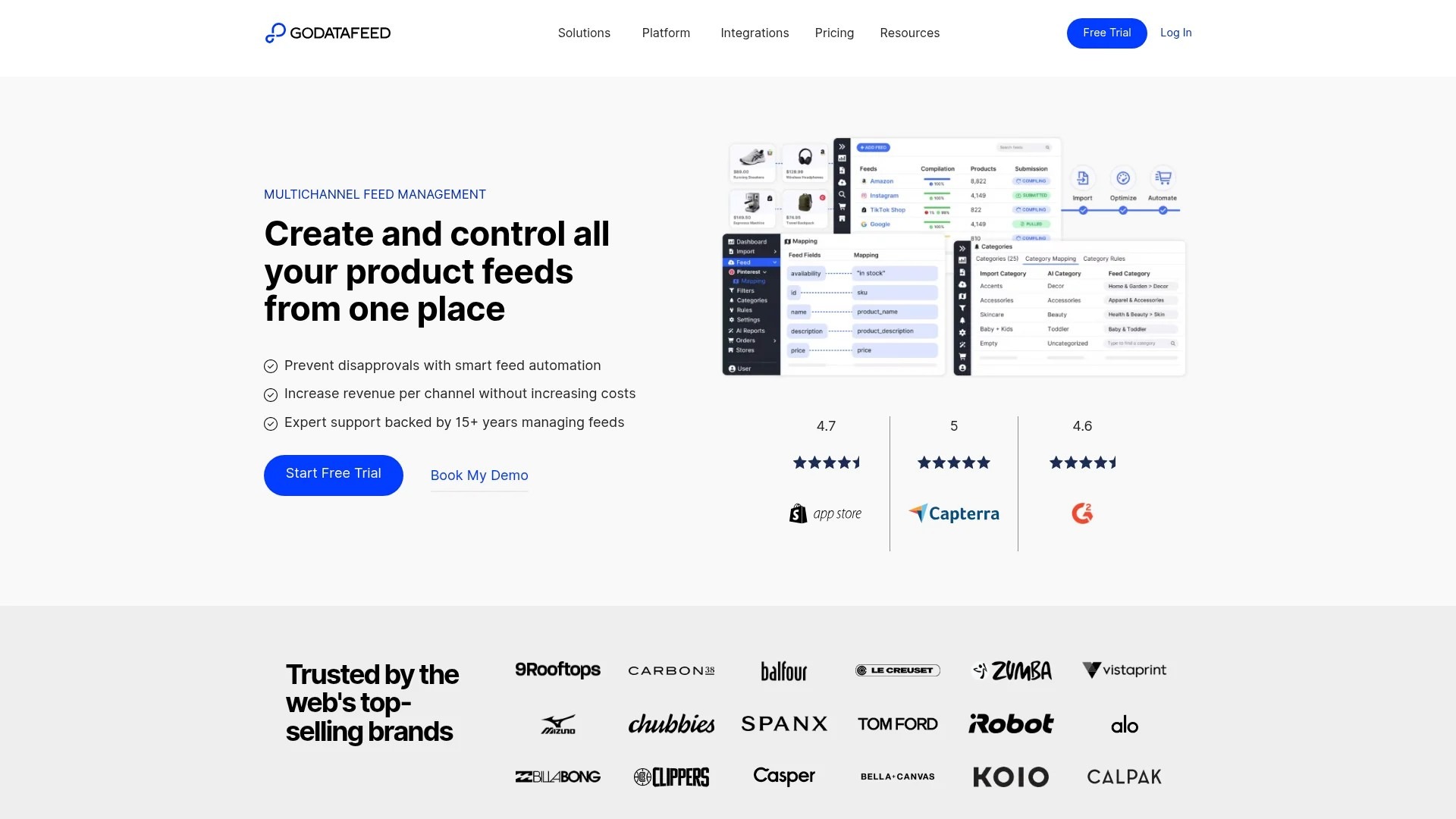
Screenshot: GoDataFeed feed management platform
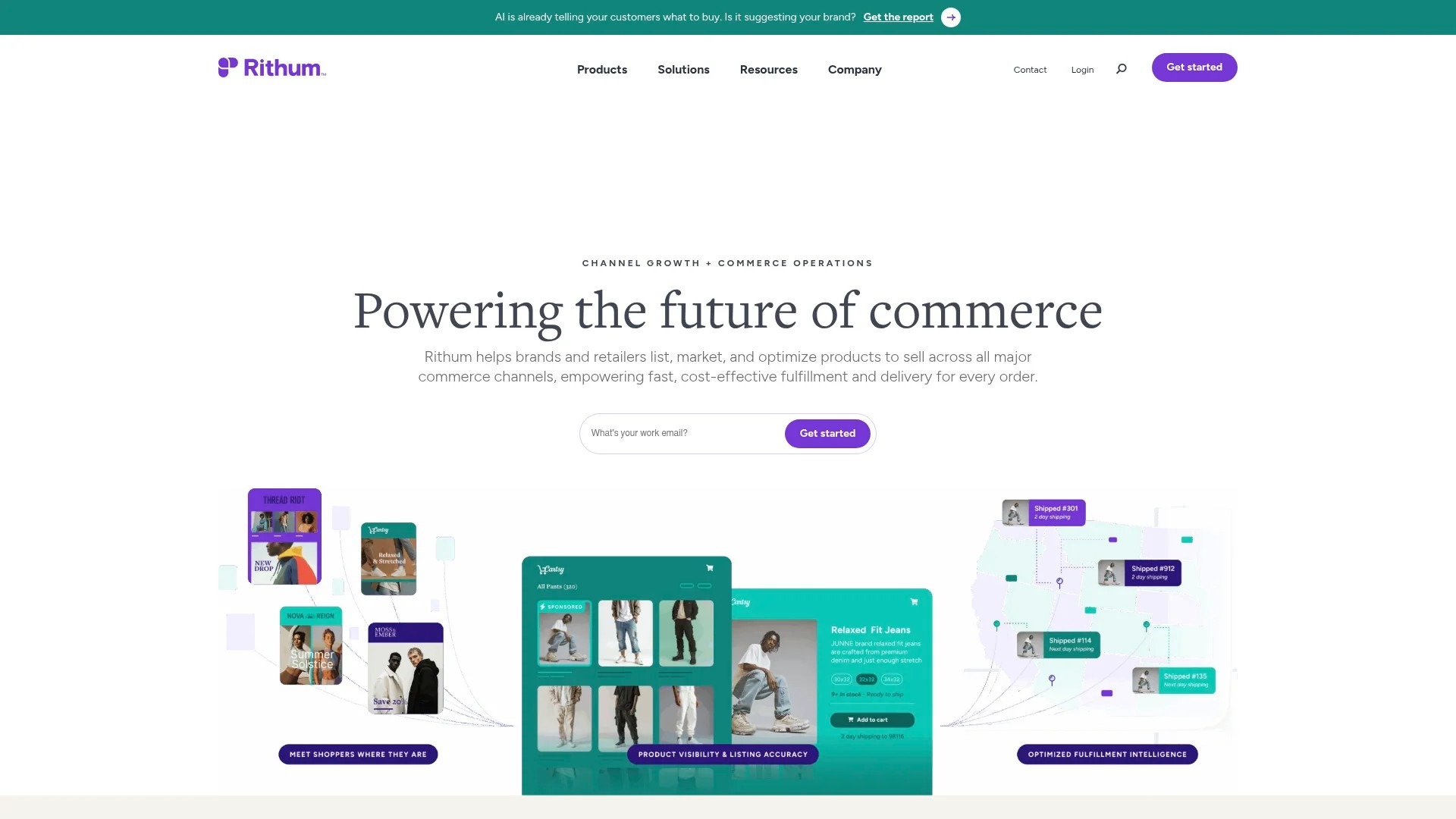
Screenshot: ChannelAdvisor marketplace and feed management
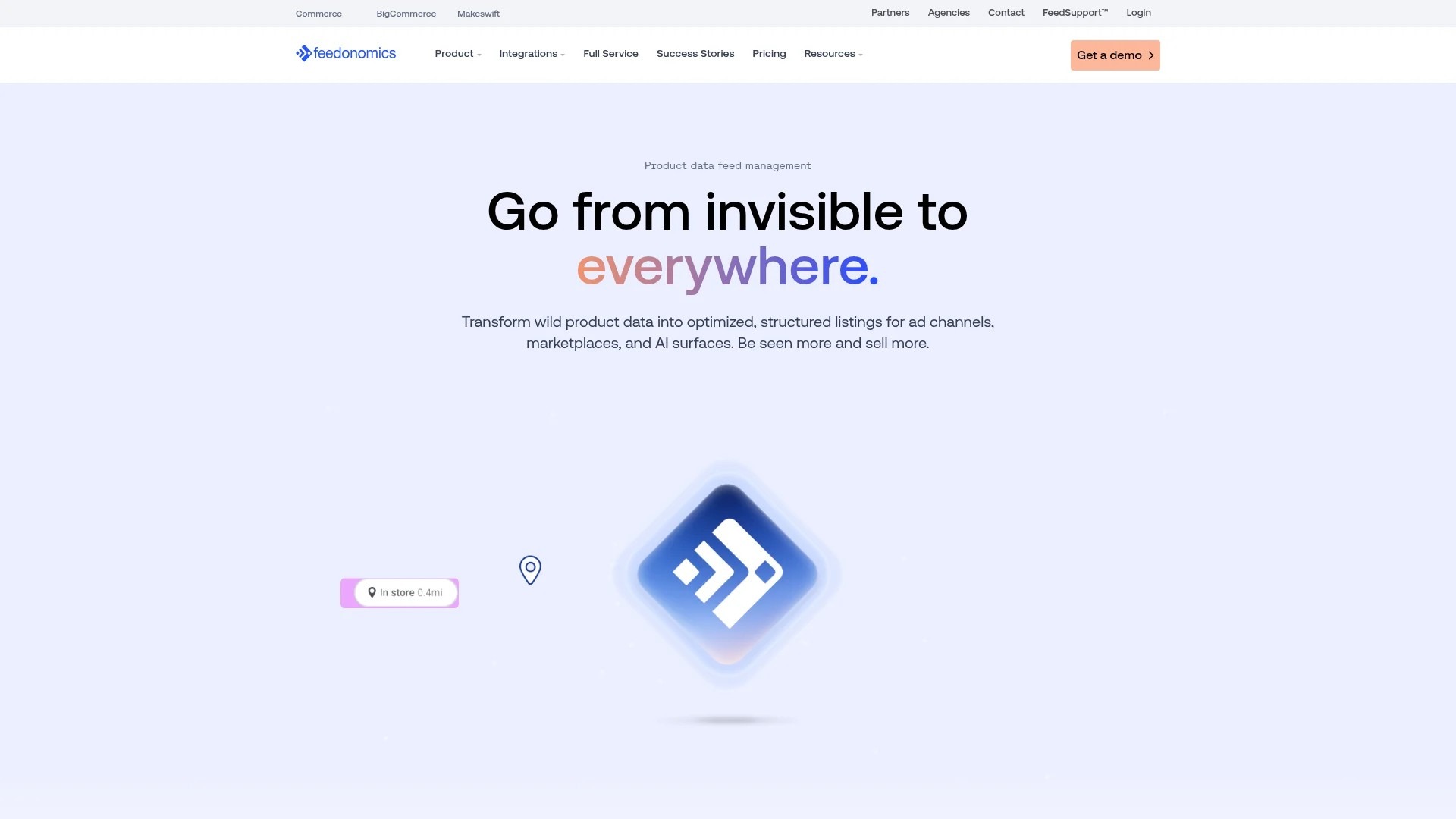
Screenshot: Feedonomics feed optimization platform
These platforms pull product data from your ecommerce system, apply optimization rules, and push optimized feeds to Google Merchant Center and other channels.
Advanced platforms include AI-powered optimization suggestions, automated title generation, category mapping, and performance analytics.
Rules automate repetitive optimization tasks. Create rules that apply across hundreds or thousands of products simultaneously.
Example rules include: "If product title doesn't contain brand name, prepend brand name." "If product category equals brake-pads, add fitment information to description." "If product price exceeds $100, add free shipping note."
Start with simple rules and add complexity gradually. Test rules on small product sets before applying to entire catalogs.
Supplemental feeds overlay additional data onto your primary product feed without modifying your ecommerce system. They're perfect for testing optimizations.
Create supplemental feeds to test new title formats, add custom labels, or fix categorization issues. Changes appear in Google Merchant Center without touching your website.
Supplemental feeds work best for temporary optimizations and testing. Permanent improvements should flow back into your primary product data system.
Feed optimization isn't one-and-done. Product data quality requires ongoing monitoring and adjustment.
Google Merchant Center provides feed diagnostics showing errors, warnings, and optimization opportunities. Check diagnostics weekly minimum for large catalogs.
Performance metrics tell you what's working. Click-through rate, conversion rate, and return on ad spend reveal which optimizations drive results and which need adjustment.
Impression share shows what percentage of eligible impressions your products receive. Low impression share indicates feed quality issues or bid problems.
Click-through rate measures how often shoppers click your products when they appear. Improving click-through rate means better titles, images, and pricing.
Conversion rate tracks how often clicks become purchases. Better descriptions, accurate product data, and competitive pricing improve conversion rates.
Sort products by impressions to find high-visibility items. Optimizing high-impression products creates bigger performance impact than optimizing rarely-shown items.
Filter for products with high impressions but low click-through rates. These products appear frequently but don't attract clicks. Image and title improvements fix this.
Review products with high clicks but low conversions. Description accuracy, pricing competitiveness, and product availability usually explain conversion problems.
Schedule quarterly feed audits. Export your complete product feed and analyze data quality systematically.
Check for missing required attributes, inconsistent formatting, duplicate titles, incorrect categorization, and outdated information.
Large catalogs accumulate data quality issues over time. Regular audits catch problems before they impact performance significantly.
Product variants (same item in different colors, sizes, or configurations) create special optimization challenges for large catalogs.
Each variant needs its own product ID and feed entry. Shoppers searching for "red brake calipers" won't find your product if all color variants share one generic listing.
Variant optimization requires balancing uniqueness with consistency. Titles must differentiate variants while maintaining similar structure.
Include the differentiating attribute prominently in variant titles. "Brembo Brake Caliper Cover Set - Red - Front and Rear" versus "Brembo Brake Caliper Cover Set - Blue - Front and Rear."
Place the variant attribute consistently. If color comes after product type for one variant, use the same position for all variants.
Shoppers comparing variants appreciate parallel structure. Consistent formatting makes differences immediately obvious.
Google supports specific attributes for common variant types. Use the color, size, and material attributes in addition to including these details in titles.
Structured variant attributes enable Google's variant clustering. Products with proper variant attributes display together in results, letting shoppers switch between options easily.
For automotive parts, finish and material attributes matter as much as color. Chrome versus black powder-coat represents a significant product difference.
Variant inventory requires careful management. Out-of-stock variants should update to "out of stock" status immediately.
Showing unavailable variants frustrates shoppers. Google penalizes feeds with frequent availability mismatches.
Automated inventory syncing prevents availability issues. Your feed should reflect real-time or near-real-time inventory data.
Most large catalog retailers sell across multiple channels. Google Shopping, Amazon, eBay, social commerce platforms, and marketplaces all require product feeds.
Each channel has unique requirements. Amazon uses different category taxonomies than Google. TikTok Shop will reach $23.41 billion in US ecommerce sales in 2026, representing a 48 percent year-over-year increase.
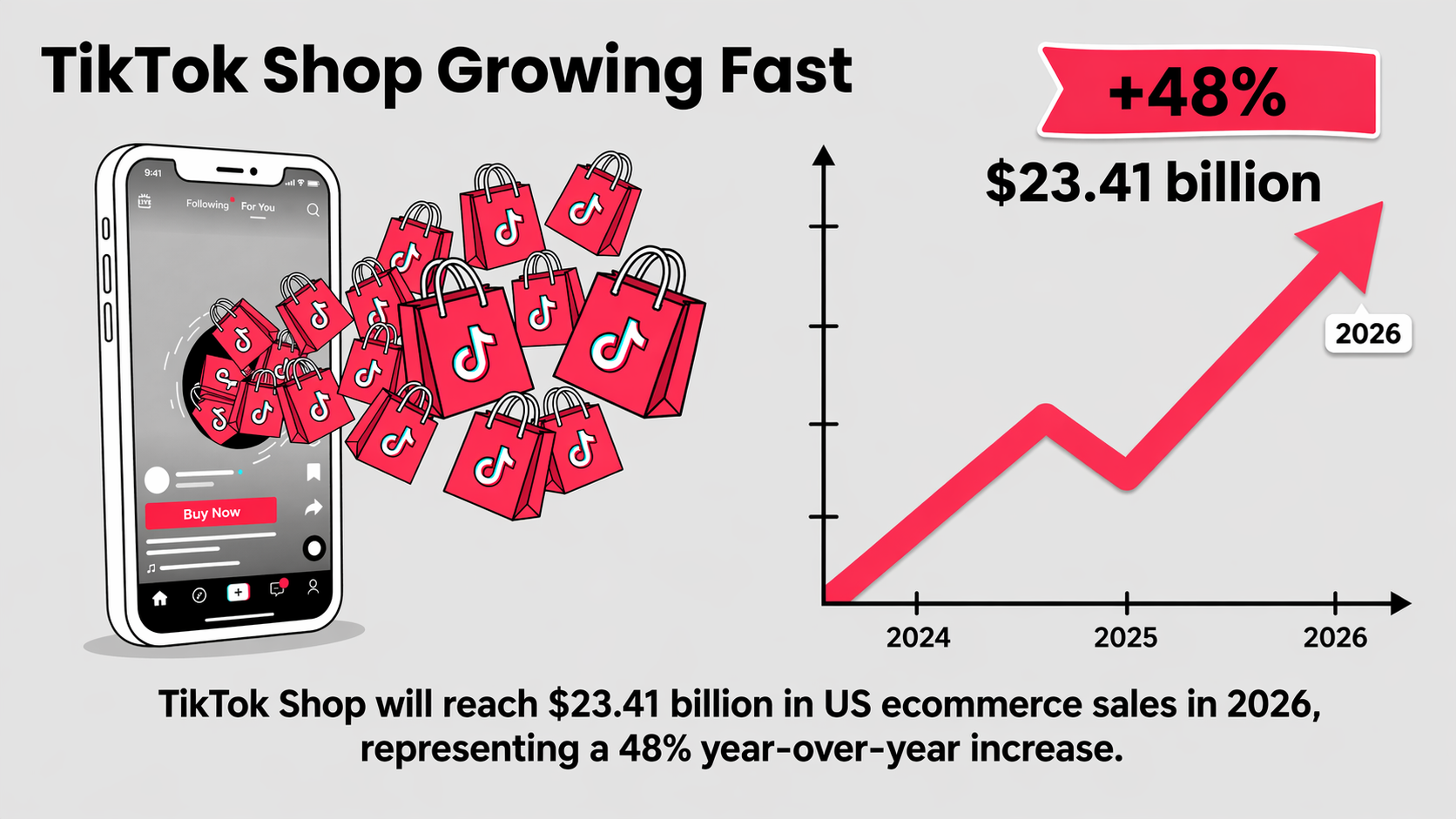
TikTok Shop is projected to hit $23.41B in US ecommerce sales in 2026, a 48% YoY increase.
Google Shopping prioritizes GTIN, brand, and detailed titles. Amazon emphasizes bullet points, Enhanced Brand Content, and review counts.
Social commerce platforms like Facebook and Instagram prefer lifestyle images over white background product shots. TikTok Shop benefits from video content integration.
Optimize feeds for each platform's algorithm and user expectations rather than using identical feeds everywhere.
Product Information Management (PIM) systems create a single source of truth for product data. All channels pull from the central PIM rather than maintaining separate data sources.
PIMs reduce data inconsistencies. Update product information once and changes flow to all channels automatically.
For large catalogs, PIMs prevent the chaos of managing product data in spreadsheets. They're essential infrastructure for serious multi-channel sellers.
A supplement brand saw a 130% increase in clicks from organic Google Shopping listings by optimizing their product feeds with detailed titles.
The optimization focused on three areas: adding specific product attributes to titles, improving image quality standards, and fixing category mapping errors.
Results appeared within six weeks of implementing changes. Click-through rate improvements drove impression growth, creating a compounding effect on overall visibility.
Large catalog optimization succeeds through systems, not individual product perfection. Build templates, establish rules, automate repetitive tasks, and focus manual effort on high-impact opportunities.
Start with product titles and primary images. These two attributes create the biggest performance impact. Add GTIN and category accuracy next. Layer in description improvements and custom labels as your optimization process matures.
Test changes systematically. Measure results. Double down on what works and abandon what doesn't. Feed optimization is an ongoing process, not a one-time project.
Your catalog size is an advantage, not a limitation. Systematic optimization at scale produces better results than perfect optimization of small product sets. Focus on building the right processes and let automation handle the volume.