Track your quote requests by product line through a centralized quote management system that categorizes each customer request into specific equipment categories—HVAC units, electrical panels, plumbing fixtures, or utility supplies. The best approach combines CPQ software with automated workflow rules that route quotes to the right product specialists, tag each request with product line identifiers, and create real-time dashboards showing quote status across all your equipment categories. This system eliminates the chaos of scattered spreadsheets and lets you analyze which product lines drive the most quote requests, where bottlenecks occur, and which categories convert at the highest rates.
Here's what most contractors miss: tracking by product line isn't just about organization. It's about understanding which parts of your business generate the most demand, where you're leaving money on the table, and which product specialists need more support.
I've spent years working with contractors and parts suppliers in the aftermarket space. The ones who systematically track quotes by product line consistently outperform competitors who treat all quotes the same.
You'll discover how to set up product line tracking, which tools actually work for contractors, and how automation saves hours every week. By the end, you'll have a system that shows exactly what's happening with every quote request across your entire catalog.
Quote request tracking by product line means monitoring every sales quote from initial customer request to final approval, with each quote categorized by the specific equipment type or product category it covers. For HVAC, electrical, plumbing, and utility suppliers, this means separating quotes for furnaces from those for circuit breakers, pipe fittings from water heaters.
The system captures key data points for each quote. Quote number, customer name, requested products, quote status, submission date, follow-up dates, and assigned sales rep all get recorded in one central location.
Product line segmentation breaks down further. An HVAC distributor might track residential units separately from commercial systems. An electrical supplier could segment by voltage ratings or application types. A plumbing wholesaler might categorize by fixture types versus pipe and fitting quotes.
Quote status tracking follows each request through its lifecycle. Common statuses include pending, sent, viewed, accepted, rejected, expired, and converted to order. Each status change gets timestamped, creating a clear audit trail.
This tracking differs from simple quote creation. Anyone can generate a quote and email it. Systematic tracking captures what happens after that email gets sent, organizing data by product category so you can analyze performance patterns.
When you track quotes by product line, patterns emerge fast. One product category might generate tons of quote requests but low conversion rates. Another category could show fewer requests but higher close rates.
These insights drive better business decisions. You might discover your electrical panel quotes convert at 65% while your lighting quotes only convert at 25%. That data tells you where to focus sales training.
Product line tracking also reveals inventory planning opportunities. High quote volumes in specific categories signal which products to stock deeper. Low quote activity might indicate marketing gaps or competitive pricing issues.
Every effective tracking system includes these core elements. First, a centralized database where all quote requests live. This could be quote management software, a CRM with quote functionality, or CPQ software.
Second, product categorization rules that automatically assign each quote to the correct product line. These rules might use product codes, equipment types, or customer-selected categories during the quote request process.
Third, status workflow automation that updates quote stages as actions occur. When a customer views a quote, status changes to "viewed." When they respond, it moves to "negotiating" or "accepted."
Fourth, reporting dashboards that display quote metrics by product line. You need visibility into quote volumes, average quote values, response times, and conversion rates for each category.
Fifth, notification systems that alert the right people when actions are needed. A pending HVAC quote request should notify your HVAC specialist, not your plumbing expert.
Generic quote tracking tells you total volumes and overall conversion rates. Product line tracking reveals which parts of your business actually work and which ones hemorrhage opportunities.
Sales efficiency improves dramatically when you segment by product. Your team stops wasting time searching for quotes or wondering which specialist should handle a customer request. The system automatically routes plumbing quotes to plumbing experts and electrical quotes to electrical specialists.
Error reduction happens naturally. When quote management software validates product codes against your catalog for each product line, pricing mistakes decrease. Your HVAC quotes use HVAC pricing rules, your electrical quotes use electrical margins.
Product line metrics show which categories drive profitability. You might find that utility supply quotes close faster than HVAC quotes. Or that plumbing fixture quotes have higher average values than pipe fitting quotes.
This intelligence shapes your marketing strategy. If electrical panel quotes convert at 70%, you should probably advertise electrical panels more aggressively. If lighting quotes languish at 20% conversion, you need to investigate why.
Win rate improvement becomes measurable by category. You can track that HVAC quotes closed at 45% last quarter and set a goal for 50% this quarter. Without product line segmentation, you only see blended averages that hide category-specific problems.
When you know which product lines generate the most quote volume, you can staff accordingly. If electrical quotes outnumber plumbing quotes three-to-one, maybe you need more electrical specialists.
Vendor relationships improve with better data. If you're quoting HVAC units from a specific manufacturer frequently but rarely converting, you might need better pricing from that vendor. The data gives you negotiating leverage.
Follow-up strategies get targeted. High-value HVAC quotes might warrant phone follow-ups within 24 hours. Lower-value utility supply quotes might use automated email sequences spaced out over a week.
Quote request trends by product line reveal seasonal patterns and market shifts. You might see HVAC quotes spike in spring and summer. Electrical quotes could peak during construction season.
These patterns inform inventory planning and staff scheduling. Stock deeper on products that see quote surges. Schedule more product specialists during peak quote seasons for their categories.
B2B sales quote management benefits especially from this tracking. Commercial customers often request quotes for large projects that span multiple product lines. Tracking lets you see which product combinations customers request together.
Start by defining your product line categories. Don't overcomplicate this. Most contractors need 4-8 main categories that match how they organize their business and train their sales teams.
For HVAC contractors, categories might include: residential heating, residential cooling, commercial HVAC, ventilation systems, thermostats and controls, replacement parts, maintenance supplies. Choose categories that align with your specialist assignments and pricing structures.
Electrical contractors could use: residential wiring, commercial electrical, lighting fixtures, electrical panels and breakers, wire and cable, conduit and fittings, tools and supplies. Again, match categories to how your team actually works.
Plumbing distributors often segment by: fixtures (sinks, toilets, faucets), pipe and fittings, water heaters, pumps and valves, drainage systems, water treatment, tools and supplies.
The foundation of product line tracking is software that supports categorization and reporting. Look for quote management software or CPQ systems that let you create custom fields for product line identification.
Essential features include product catalog integration, automated quote generation, product line tagging, custom approval workflows, and reporting dashboards filtered by product category. Mobile-first quoting workflows increase the likelihood of closing jobs by enabling instant follow-up when a quote is opened.
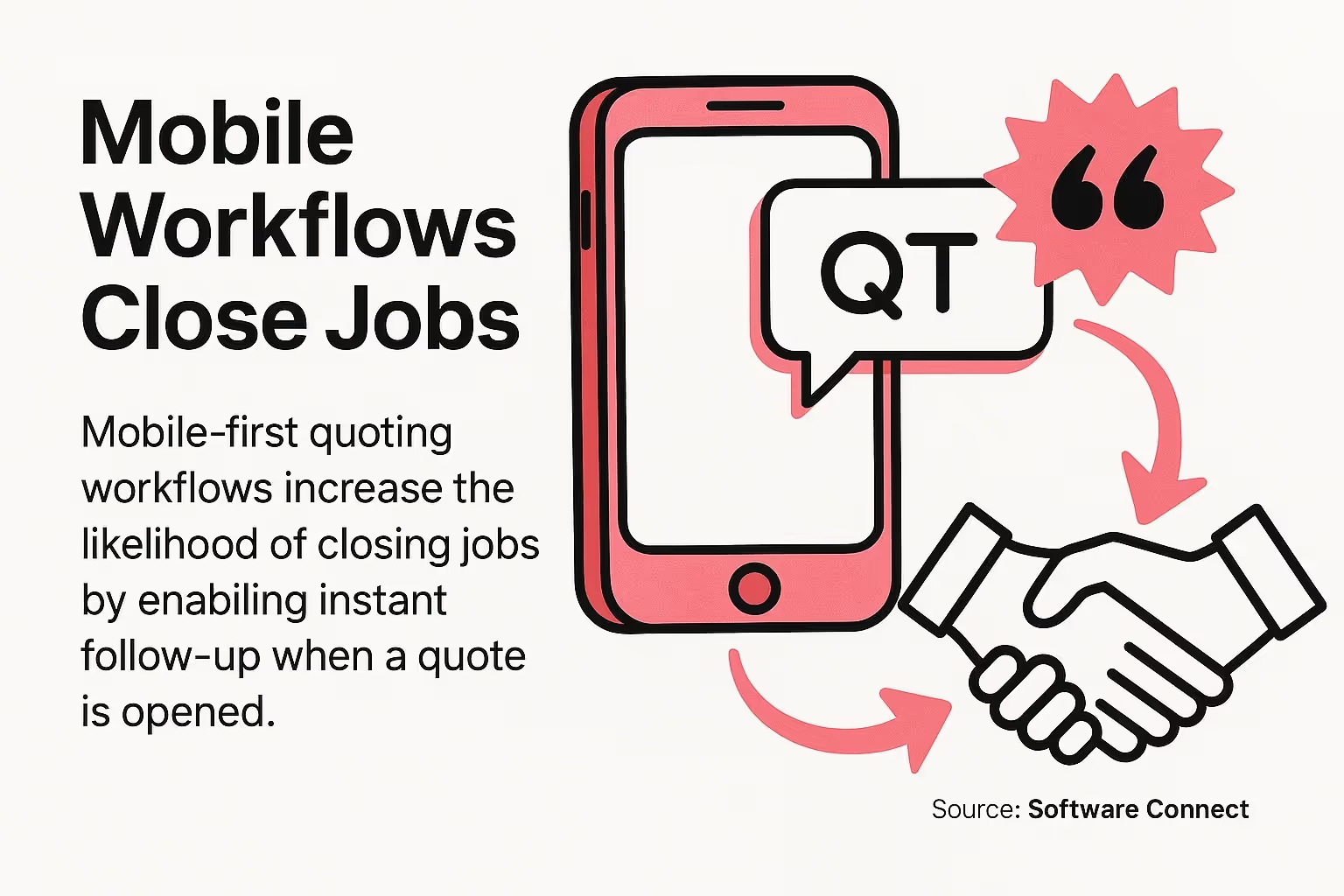
Mobile-first quoting workflows increase the likelihood of closing jobs by enabling instant follow-up when a quote is opened.
CRM integration matters because quote data needs to flow into your customer relationship records. When a customer requests quotes for both HVAC and electrical work, your CRM should show both requests tagged with their respective product lines.
Many platforms offer free trials. Test 2-3 systems with real quote requests across your different product lines before committing. The software should feel intuitive for your team, not like a burden.
Once you've chosen software, set up rules that automatically categorize incoming quote requests. If customers submit quote requests through web forms, add a dropdown menu for product category selection.
For email-based quote requests, create template parsing rules or manual tagging prompts that ask staff to assign a product line before processing the quote. The goal is capturing product line data at the earliest possible moment.
Product code mapping works well if you use SKU systems. Map SKU prefixes to product lines automatically. All part numbers starting with "HV" could auto-tag as HVAC quotes. All parts starting with "EL" could tag as electrical.
Build validation into your workflow. If a quote doesn't have a product line assigned, the system should flag it and prevent progression until someone categorizes it properly.
Different product lines often need different approval workflows. A $500 plumbing fixture quote might not need manager approval. A $50,000 commercial HVAC quote probably does.
Set up status stages that match your sales process. A typical workflow includes: quote requested, quote in progress, quote sent, quote viewed, quote accepted, quote rejected, quote expired, and converted to order.
Assign time-based rules to each status. Quotes in "sent" status for more than 3 days should trigger follow-up notifications. Quotes in "viewed" status for more than 5 days might warrant a phone call.
Product line-specific rules add power. HVAC quotes might get 7-day follow-up sequences. Utility supply quotes might use 3-day sequences because they're more transactional.
The best system fails if your team doesn't use it consistently. Schedule training sessions focused on why product line tracking matters, not just how to use the software.
Show your sales team the data they'll gain access to. When they see that tracking reveals their personal conversion rates by product line, they get motivated. Nobody wants to discover they're great at quoting HVAC but terrible at electrical.
Create simple checklists for common scenarios. "When a quote request comes in, first assign product line, then check inventory, then generate quote." Make the workflow obvious and repeatable.
Designate product line champions. One person owns HVAC quote accuracy. Another owns electrical. They become the go-to experts for questions about categorizing tricky quotes.
Consistency beats complexity every time. Your product line categories should make intuitive sense to everyone on your sales team. If people constantly debate which category a quote belongs in, your categories are too complicated.
Keep hierarchies shallow. Main product lines at the top level, maybe one layer of subcategories below that. Going deeper than two levels creates confusion and reduces adoption.
Review categorization accuracy monthly. Run reports showing which quotes lack product line tags or have suspicious category assignments. Clean up errors promptly so your data stays reliable.
Create a single entry point for all quote requests, whether they arrive by phone, email, web form, or customer visit. Every request flows through the same initial categorization step.
Web forms should include required product line selection. Email templates for quote requests should ask customers to specify product type. Phone scripts should prompt staff to ask about product category before taking detailed specifications.
This standardization ensures complete data capture. You can't analyze trends in product lines you forgot to categorize.
Different product lines warrant different response speeds. Emergency plumbing quotes might need 2-hour response times. Standard electrical quotes could allow 24 hours.
Document these standards and make them visible to your team. Dashboard alerts should escalate when response times exceed targets for specific product lines.
Track response time metrics separately by product line. You might discover your team responds quickly to HVAC quotes but slowly to utility supply quotes because they perceive lower urgency.
Customers often request quotes that span multiple product lines. A renovation project might need HVAC, electrical, and plumbing work. Handle these strategically.
Option one: create separate quotes for each product line. This approach clarifies pricing and lets specialists focus on their areas. The downside is coordination complexity.
Option two: create one master quote with line items tagged by product line. This keeps everything together but requires careful internal tracking to ensure proper routing and follow-up.
Choose the approach that matches your business model. High-volume contractors often prefer separate quotes. Full-service contractors might prefer consolidated quotes.
Garbage data produces garbage insights. Enforce data quality standards from day one. Every quote needs a properly assigned product line, complete customer information, accurate product specifications, and current pricing.
Automated validation catches common errors. The system should flag quotes with missing product lines, expired pricing, or invalid product codes before they get sent to customers.
Regular audits maintain accuracy over time. Monthly reviews of quote data quality help identify training gaps or system configuration issues that need fixing.
Quote management software forms the backbone of effective product line tracking. These platforms centralize quote creation, categorization, approval, and analysis in one system.
CPQ software goes deeper with configure-price-quote functionality. It helps build complex quotes for products with multiple options while maintaining product line categorization throughout the process.
The right tool depends on your business size and complexity. Small contractors with straightforward product lines might need simple quote management. Large distributors with complex pricing rules require full CPQ platforms.
Projul provides project management and quoting features for contractors. The platform supports job costing breakdowns within each quote, helping you understand profitability by project type. Contractors using specialized quoting software report saving an average of 2+ hours per estimate.
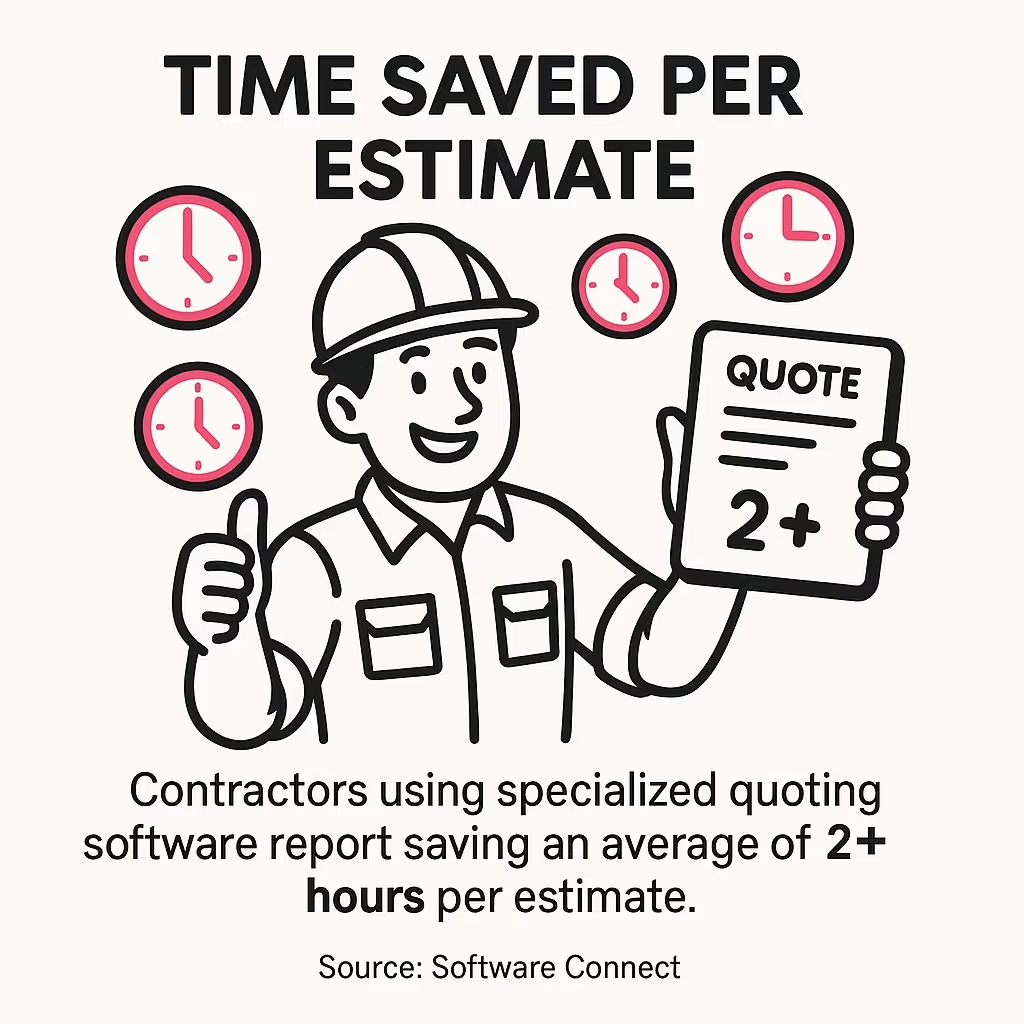
Contractors using specialized quoting software report saving an average of 2+ hours per estimate.
Housecall Pro offers mobile-friendly quote creation with features for converting approved quotes directly to scheduled jobs. It works well for field service contractors who quote on-site.
Service Fusion combines quote management with comprehensive field service features. Integrated GPS and fleet tracking tools can reduce excessive fuel consumption and vehicle wear, indirectly improving the efficiency of responding to quote requests by product line.
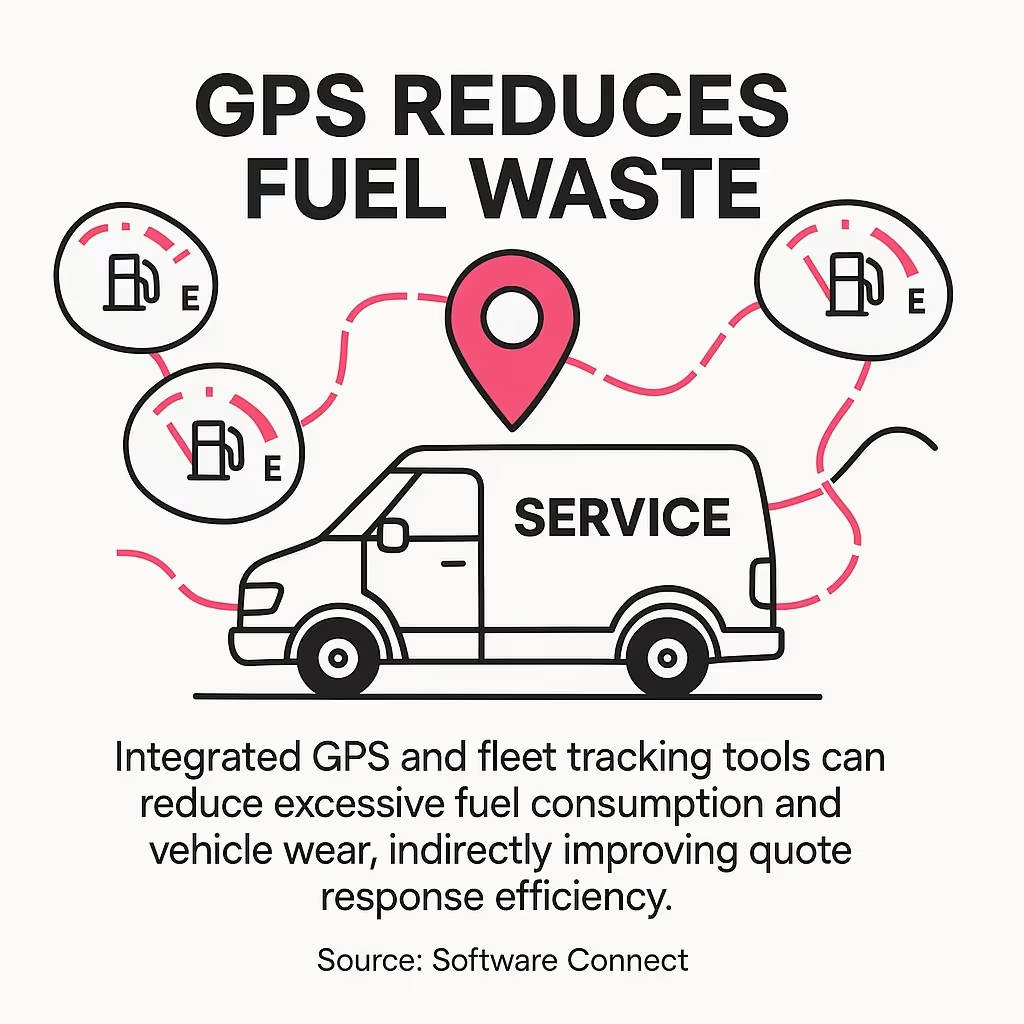
Integrated GPS and fleet tracking tools can reduce excessive fuel consumption and vehicle wear, indirectly improving quote response efficiency.
Jobber specializes in mobile-first workflows that let contractors create and send quotes from their phones. This speed advantage helps win time-sensitive opportunities.
FieldEdge provides HVAC-specific features including large databases of equipment and parts. This makes quoting faster when you're working with standard HVAC components.
Flat Rate Plus Online offers pre-built pricing for HVAC, electrical, and plumbing services. The flat-rate structure simplifies quote creation and improves consistency.
WorkQuote App focuses on rapid quote generation with accuracy. It's designed for contractors who need to produce high volumes of quotes quickly.
Fergus provides job management specifically for electricians and other trades. It handles quoting, scheduling, and invoicing with electrical contractor workflows in mind.
Salesforce offers enterprise-grade CRM with customizable quote objects and product line fields. It scales well for large distributors with complex sales processes.
HubSpot includes built-in quote functionality within its CRM platform. It's more accessible for small to mid-size contractors who need CRM and quote management together.
Zoho CRM provides quote management modules with customization options for product line tracking. The pricing is competitive for growing businesses.
CRM integration ensures quote data connects to broader customer relationship information. When analyzing quotes by product line, you can also see which customer segments prefer which product categories.
Most quote management platforms include basic reporting. For deeper analysis, consider connecting your quote system to business intelligence tools.
Tableau and Microsoft Power BI can visualize quote trends across product lines when connected to your quote database. These tools excel at spotting patterns in large quote volumes.
Dashboard software displays real-time metrics. You want visibility into pending quotes by product line, average quote values by category, and conversion rates by product type.
The key is choosing tools that integrate smoothly. If your quote management software exports data in formats your analytics tools can read, you maintain flexibility as your needs evolve.
Automation eliminates repetitive tasks that slow down quote processes. The goal is letting your sales team focus on selling while the system handles administrative work.
Workflow automation routes quote requests to the right specialists based on product line. When an HVAC quote comes in, it automatically assigns to your HVAC team. Electrical quotes go to electrical specialists.
This routing happens instantly, without manual intervention. Your customer request triggers the workflow, the system identifies the product line, and the appropriate specialist gets notified within seconds.
Modern systems can analyze incoming quote requests and suggest or automatically assign product line categories. Natural language processing reads customer descriptions like "need pricing on 3-ton AC unit" and tags it as HVAC.
Product code recognition works even better. When customers reference specific part numbers, the system matches those against your catalog and assigns the correct product line instantly.
For web-based quote requests, smart forms adapt based on customer selections. Choose "HVAC" and the form displays HVAC-specific fields. Choose "Electrical" and you see electrical options.
This automation reduces errors from manual categorization. Systems don't forget to tag quotes or accidentally assign electrical quotes to plumbing categories.
Notification automation keeps everyone informed without manual check-ins. When a customer views a quote you sent, the system automatically updates status to "viewed" and notifies the sales rep.
Time-based triggers create follow-up reminders. A quote in "sent" status for 3 days triggers an alert to follow up. A quote in "viewed" status for 5 days might escalate to a manager.
Product line-specific notifications ensure relevant people stay informed. HVAC quotes trigger notifications to HVAC specialists. Plumbing quotes notify plumbing teams. Nobody gets spammed with irrelevant alerts.
Status workflows can also automate approvals. Low-value quotes auto-approve. High-value quotes route to managers based on thresholds you set for each product line.
Follow-up automation increases quote conversion without manual effort. After sending a quote, the system schedules follow-up emails based on product line and quote value.
A typical sequence might include an immediate confirmation email, a 3-day check-in, a 7-day value reminder, and a 14-day final follow-up before the quote expires. Each message references the specific product line to maintain relevance.
Behavior-triggered follow-ups work even better. When a customer opens your email quote three times, that signals high interest. The system can automatically notify your sales rep to call immediately.
Automated follow-up doesn't replace personal outreach for high-value quotes. It handles the routine touches on standard quotes, freeing your team for strategic conversations on major opportunities.
Automation truly shines when quote systems connect to inventory and pricing databases. When generating a quote, the system pulls current pricing and availability automatically.
This integration prevents quoting products you don't have in stock. It also ensures pricing accuracy because quotes always use the latest rates from your pricing system.
Product line tracking benefits from inventory integration. You can see which product lines have strong inventory support versus which categories frequently face stock issues that delay quote fulfillment.
Pricing rules can vary by product line. HVAC quotes might use different margin structures than electrical quotes. Automated systems apply the correct pricing logic based on product line categorization.
Track quote volume by product line as your foundation metric. How many quote requests does each category generate weekly or monthly? This reveals demand patterns and helps with resource planning.
Plot trends over time. Is HVAC quote volume growing while plumbing volume stays flat? That insight might inform marketing budget allocation or specialist hiring decisions.
Compare quote volumes to sales volumes by product line. A category with high quote requests but low sales indicates conversion problems worth investigating.
Quote-to-order conversion rates tell you which product lines perform best. Calculate conversion by dividing orders received by quotes sent for each product category.
Industry benchmarks vary widely, but tracking your own trends matters more than comparing to others. If your electrical quotes convert at 55% this quarter versus 48% last quarter, you're improving.
Look for conversion rate differences across product lines. One category consistently outperforming others suggests either stronger product-market fit, better pricing, or more effective sales techniques in that category.
Investigate low-converting product lines. Are quotes getting rejected on price? Are customers not responding at all? Different problems require different solutions.
Track average quote value by product line. This metric helps identify your most valuable categories. A product line with lower quote volume but higher average values might be more profitable than high-volume, low-value categories.
Analyze win rate versus quote size. Do small quotes convert better than large quotes in specific product lines? This insight shapes your pursuit strategy for different opportunity sizes.
Monitor profitability by product line when possible. If your system tracks costs alongside pricing, you can calculate gross margin by category. High-volume, low-margin product lines might need pricing adjustments.
Measure time from quote request to quote delivery for each product line. Fast response times correlate with higher conversion rates, especially in competitive markets.
Set targets by product line based on competitive dynamics. Emergency service quotes might need 2-hour response times. Standard equipment quotes might allow 24-48 hours.
Track quote cycle times from request through acceptance. Long cycles indicate bottlenecks. Maybe certain product lines require multiple approval layers that slow the process unnecessarily.
Use this data to streamline workflows. If electrical quotes consistently take longer than HVAC quotes, investigate why. Perhaps electrical quotes need more complex specifications or face inventory delays.
Compare sales rep performance across product lines. Some reps might excel at HVAC quotes but struggle with electrical. This data informs training priorities and territory assignments.
Track quote volume handled per rep by product line. Uneven distribution might indicate need for workload balancing or additional hiring in specific categories.
Monitor quote quality metrics by rep and product line. High rejection rates or frequent quote revisions suggest training opportunities in specific product knowledge areas.
Build dashboards that display key metrics at a glance. Sales managers need visibility into quote pipeline by product line, pending quotes requiring action, and conversion trends.
Use visual elements strategically. Color-coded status indicators show which product lines are meeting targets versus which need attention. Trend lines reveal whether performance is improving or declining.
Make dashboards role-specific. Sales reps need personal performance metrics. Managers need team-level data. Executives want strategic trends and financial metrics.
Schedule regular review meetings focused on product line metrics. Monthly deep dives into quote performance by category keep everyone aligned on priorities and opportunities.
Cross-category quotes create the most common tracking challenge. When a customer requests pricing for both HVAC and electrical work, how do you categorize it?
Solution one: create primary and secondary product line tags. Tag the quote with its dominant category as primary and additional categories as secondary. This maintains clean reporting while acknowledging complexity.
Solution two: split multi-category requests into separate quotes. This approach keeps data clean but requires coordination to ensure the customer sees one cohesive proposal.
Customers often submit quote requests without enough information to categorize properly. "Need parts for upcoming job" doesn't specify product line.
Create intake workflows that prompt for required information. Web forms should require product category selection. Staff processing email requests should have scripts that ask clarifying questions before creating quotes.
For truly ambiguous requests, assign to a "general inquiry" category temporarily. Route these to a generalist who can contact the customer for clarification before reassigning to the correct product specialist.
Your product line categories will change as your business evolves. You might add new product categories, split existing ones, or consolidate underperforming categories.
Plan category changes carefully to maintain historical data integrity. When splitting a category, decide how to reclassify historical quotes. Document the change and its effective date.
Maintain a category change log. This creates an audit trail explaining why conversion rates might shift when you compare periods before and after category restructuring.
Sales teams resist new quote tracking systems when they perceive them as administrative burdens rather than productivity tools. Combat this with clear value communication.
Show reps how tracking reveals their strengths. "You convert HVAC quotes at 20% above team average" is motivating feedback they can't get without tracking.
Eliminate double-entry wherever possible. If your system requires entering data that already exists elsewhere, integration can fix that. Nobody wants to type the same customer information into three different places.
Start with a pilot group. Choose your most tech-savvy reps to test the system first. Their success stories convince skeptical colleagues more effectively than management mandates.
Follow up within 5-10 business days after sending a quote, referencing your previous communication and offering additional information. Personalize each message and space follow-ups appropriately to increase engagement without overwhelming the customer.
Use a CRM system that records all interactions and categorizes inquiries by product line. This centralizes communications, assigns statuses, and automates follow-up reminders, ensuring no inquiry gets missed regardless of product category.
Contact suppliers directly with formal RFQ forms that outline your specifications, quantities, and product categories. Clear communication ensures accurate pricing, and organizing requests by product line helps you compare vendor responses systematically.
You now have the framework for tracking quote requests by product line effectively. Start with clear product categories that match how your team actually works.
Choose software that supports product line segmentation and integrates with your existing systems. Don't overcomplicate this. Simple, consistent tracking beats complex systems that nobody uses.
Focus on the metrics that drive decisions. Quote volume and conversion rates by product line give you immediate insights. Response times and average values add depth to your analysis.
Your first step today: audit your current quote process. How many quotes are you generating? How many include product line information? That baseline shows where you're starting.
Next week, implement basic categorization. Even a simple spreadsheet with product line columns beats no tracking at all. Build from there toward automated systems as volume and complexity justify the investment.
The contractors and distributors who systematically track quotes by product line make better decisions, respond faster, and convert more opportunities. Your competition isn't doing this well. That's your advantage.