

If you're selling HVAC parts online, you've probably realized that cobbling together product pages from scratch is a nightmare. I've watched too many parts suppliers struggle with scattered spreadsheets, inconsistent formatting, and product data that lives in twelve different places.
Here's what most HVAC parts sellers actually need: structured templates that organize part numbers, specifications, pricing, and inventory status in a way customers can actually use. Not fancy graphics. Not brochure layouts. Just clean, functional product page templates that display critical part information consistently across hundreds or thousands of SKUs.
The challenge? Most "HVAC templates" you'll find online are designed for service companies tracking their own inventory, not for e-commerce sellers organizing public-facing product catalogs. This creates a gap between what you need and what's readily available.
I'm going to show you what actually works for HVAC parts product pages. You'll learn how inventory templates can be adapted for e-commerce, what essential fields your templates must include, and how to structure category pages that help customers find the exact compressor, valve, or filter they need.
Product page templates for HVAC parts serve a specific purpose. They create consistent, scannable layouts that display technical specifications, compatibility information, pricing, and availability across your entire parts catalog.
Think of them as the structural framework for your product data. Without templates, you're manually formatting each product page. With templates, you fill in standardized fields, and the page structure handles the rest.
HVAC parts aren't like consumer products. A customer shopping for a capacitor needs the microfarad rating, voltage, and terminal configuration before they even consider buying.
Your template must surface this technical data immediately. Customers won't dig through paragraph descriptions to find specifications. They'll bounce to a competitor whose product page shows the part number, dimensions, and compatibility at a glance.
The best templates organize information hierarchically. Critical identifiers appear at the top. Technical specifications follow in scannable tables. Compatibility information and cross-references come next. Installation notes and warranty details anchor the bottom.
Parts inventory spreadsheet templates are commonly used by field service organizations to track HVAC, electrical, and plumbing parts across warehouses, trucks, and job sites. These tools work well for internal tracking but weren't designed for customer-facing product pages.
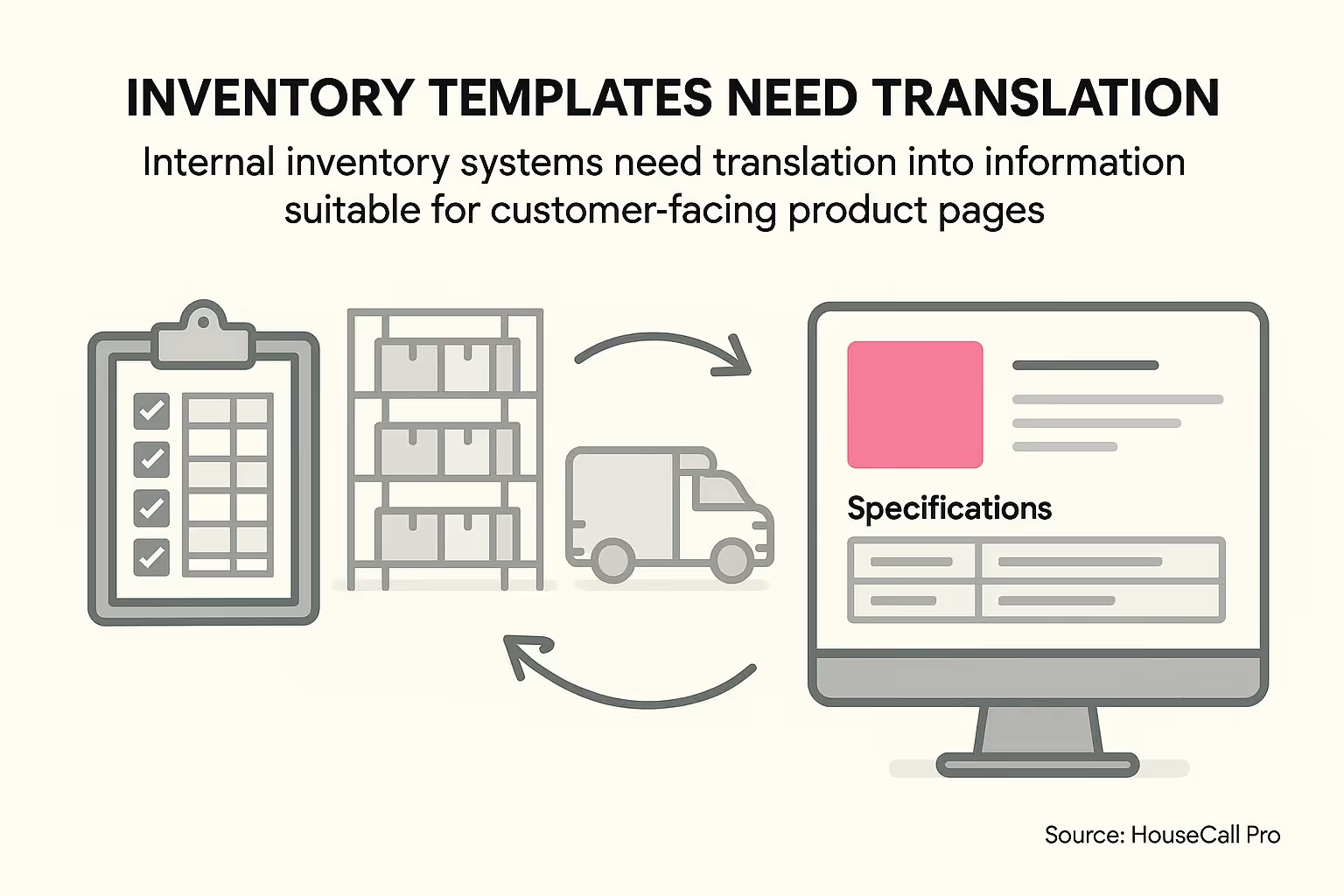
Parts inventory spreadsheet templates are commonly used by field service organizations to track HVAC, electrical, and plumbing parts across warehouses, trucks, and job sites.
The distinction matters. Internal inventory templates prioritize warehouse locations, reorder points, and cost tracking. Customer-facing product page templates prioritize part identification, application details, and purchase decisions.
You can adapt inventory templates for product pages, but you'll need to restructure the data presentation. What an operations manager needs differs dramatically from what a parts buyer needs.
Now that you understand the distinction between internal templates and customer-facing templates, you need to know which fields actually matter for product pages.
Missing even one critical field creates friction. Include too many irrelevant fields and you overwhelm customers with noise.
Start with the basics. Every HVAC part needs clear identification before anything else.
Templates typically include editable columns for part number, description, category, manufacturer, quantity, reorder point, unit cost, and supplier info. For product pages, focus on part number, manufacturer, and category as your primary identifiers.
Part numbers should be prominent and searchable. Many customers know exactly which part they need and search by number. If your template buries this information, you've lost an easy sale.
Manufacturer information helps with compatibility verification. A Copeland compressor isn't interchangeable with a Tecumseh compressor, even if specifications seem similar. Make the manufacturer obvious.
This is where most templates fail. They either skip specifications entirely or present them in dense paragraph form.
Use HTML tables to organize specifications clearly:
The three-column format provides clarity. Customers scan the left column for the specification they care about, then immediately see the value and unit.
Which specifications to include? That depends on your part category. Compressors need capacity, voltage, and refrigerant type. Filters need MERV rating and dimensions. Thermostats need compatibility protocol and power requirements.
Don't hide pricing information. Nothing frustrates parts buyers more than browsing products without seeing costs.
Your template should display unit price prominently. If you offer quantity discounts, show the price break structure clearly. Contractors buying 10 capacitors need to see bulk pricing without clicking through to checkout.
Inventory status matters equally. Show current stock levels or at minimum a clear in-stock/out-of-stock indicator. If a part ships from the manufacturer with a lead time, state that upfront.
Built-in formulas allow automatic calculation of available quantities and total inventory value, supporting real-time inventory management and restock forecasting. For product pages, you want this inventory data to feed directly into your availability display.
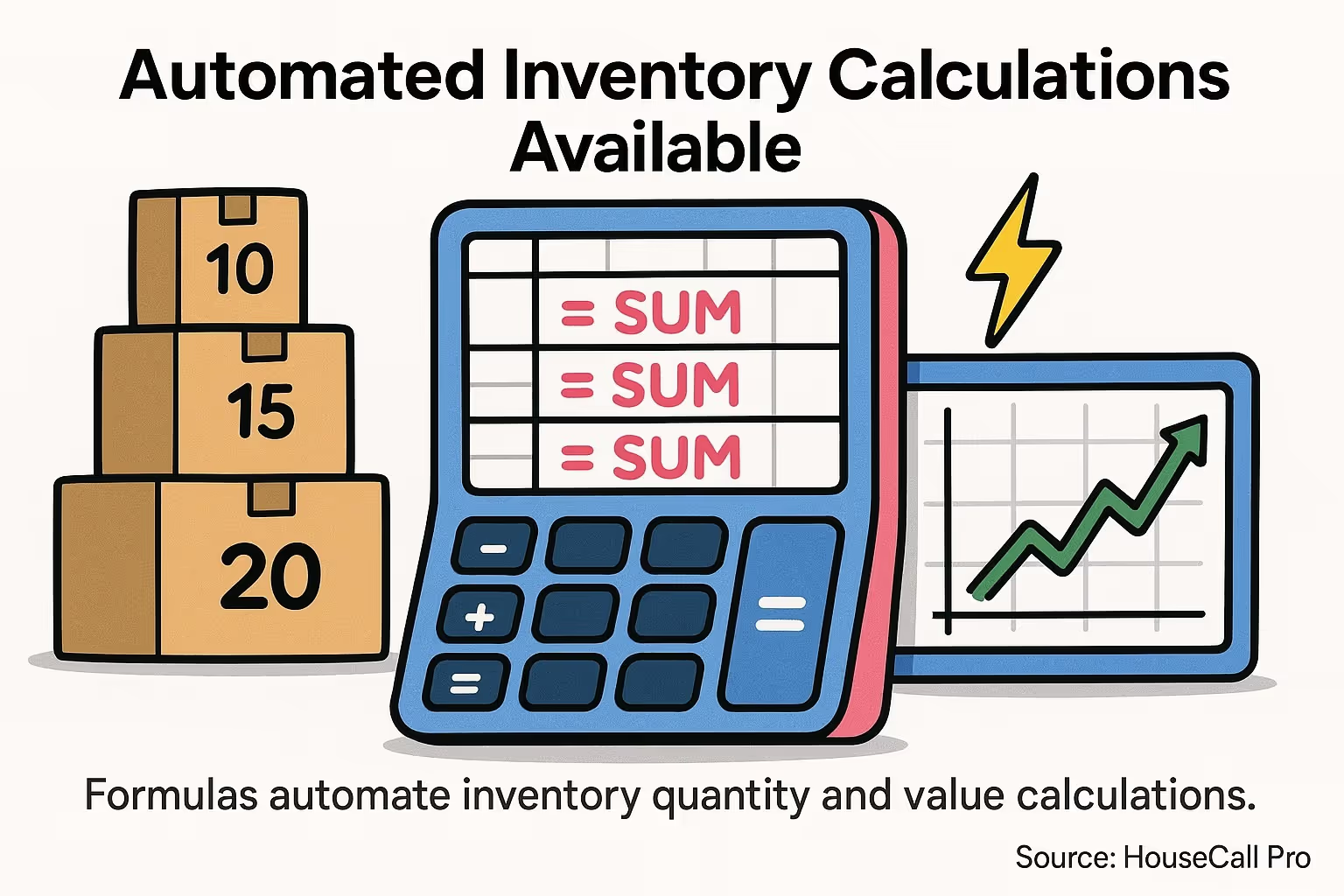
Built-in formulas allow automatic calculation of available quantities and total inventory value, supporting real-time inventory management and restock forecasting.
Individual product page templates matter, but category page structure determines whether customers can find those products in the first place.
Category pages for HVAC parts need different organization than typical e-commerce categories. You're not selling fashion items where browsing by style makes sense. You're selling technical components where customers search by specific criteria.
Build your category structure around how HVAC technicians think about parts, not how you organize your warehouse.
Primary categories should match equipment types: Compressors, Condensers, Evaporators, Thermostats, Controls, Refrigerant Components, Filters, and Electrical Components work as starting points.
Within each primary category, create subcategories by specification. For compressors, organize by tonnage and refrigerant type. For filters, organize by size and MERV rating. For thermostats, organize by system compatibility.
Templates often include data validation lists for categories (such as Electrical, Mechanical, Consumable), warehouse locations, and part conditions, enabling dropdown menus for efficient filtering and organization. Apply this same filtering concept to your category pages.
Static category pages aren't enough. Customers need to filter results by multiple criteria simultaneously.
Implement filters for manufacturer, price range, and key specifications. A technician looking for a 2-ton scroll compressor compatible with R-410A refrigerant should be able to select all three criteria and see only matching products.
Search functionality should accept part numbers, manufacturer codes, and common terminology. Someone searching "3-ton condenser coil" should find relevant products even if your official category name is "Condensing Units - 36,000 BTU."
Cross-reference old part numbers with current replacements. HVAC parts get superseded regularly. Your template structure should account for this by linking discontinued part numbers to their current equivalents.
You've seen the fields and structure you need. Now let's talk about taking existing inventory templates and adapting them for customer-facing product pages.
This process requires restructuring your data, not just reformatting it. Internal inventory data focuses on operations. Product page data focuses on helping customers make purchase decisions.
Start by mapping which fields translate directly and which need transformation.
Part number, manufacturer, and basic specifications usually translate directly. Your internal database already contains this information in a format customers can use.
Other fields require translation. Your internal "cost" field shouldn't appear on product pages, but it informs your "price" field after margin calculation. Your "warehouse location" field matters for fulfillment but not for customers.
Templates are typically customizable in Excel or PDF formats, making them accessible for businesses not using full-featured inventory management platforms. If you're working with spreadsheet-based inventory, you can create a second sheet that pulls data from your inventory sheet and reformats it for web display.
Use formulas to transform data automatically. A simple VLOOKUP can pull part data from your inventory sheet. Conditional formatting can flag when inventory drops below thresholds, triggering "low stock" warnings on product pages.
Don't build every product page from scratch. Create modular components that populate based on part category.
A compressor product page should automatically include a specifications table with capacity, voltage, refrigerant type, and connection details. A filter product page should automatically include MERV rating, dimensions, and replacement frequency guidance.
Define these components once, then apply them across all products in that category. When you add a new compressor to your catalog, the template automatically generates the correct page structure.
This approach also maintains consistency. Every compressor page looks similar, making it easy for repeat customers to find information quickly.
Templates only work if you have clean, complete product data to populate them. Garbage in, garbage out applies especially to product pages.
Many HVAC parts suppliers struggle with this step. They have partial information scattered across multiple systems, incomplete specifications, and inconsistent naming conventions.
Establish minimum data requirements before publishing any product page. At minimum, you need part number, manufacturer, category, price, and availability status.
Beyond that, completeness standards vary by category. Compressors require more detailed specifications than mounting brackets. Define category-specific requirements and enforce them.
Missing data creates poor user experiences. A product page with no specifications forces customers to contact you for basic information. That's friction they won't tolerate when your competitor shows complete specs.
Consistency matters as much as completeness. If you list dimensions as "12 x 12 x 4" on one product and "12in x 12in x 4in" on another, you're making your own catalog harder to use.
Standardize units of measurement across all products. Pick either inches or centimeters and stick with it. Choose either pounds or kilograms for weight.
Standardize category naming. Don't call something a "compressor" on one page and "condensing unit compressor" on another when they're the same category.
Standardize manufacturer names. "Copeland" and "Emerson Copeland" and "Copeland Brand" should all normalize to one consistent manufacturer identifier.
Templates can live in different formats depending on your technical setup and platform requirements.
The format you choose impacts flexibility, maintenance burden, and integration capabilities. Choose based on your current e-commerce infrastructure and technical resources.
Static HTML templates give you maximum control over page structure and styling. You design the exact layout, then manually populate each product's data.
This approach works for small catalogs where you can reasonably manage individual page updates. Once you're dealing with hundreds or thousands of products, manual HTML maintenance becomes unsustainable.
Static templates make sense if you're selling a curated selection of high-value components and want complete design control. They don't scale for comprehensive parts catalogs.
Dynamic templates pull data from a database and generate pages automatically. You update product data in one place, and all pages reflect those changes immediately.
This scales beautifully. Add a new compressor to your database, and the system generates a properly formatted product page automatically. Update pricing across 500 products, and all pages reflect new pricing instantly.
Most modern e-commerce platforms use this approach. Shopify, WooCommerce, Magento, and BigCommerce all generate product pages dynamically from structured data.
The tradeoff is less granular control over individual page layouts. You define the template structure once, and it applies to all products in that category. If you need special formatting for specific products, you're fighting against the system.
For businesses not ready to invest in e-commerce platforms, spreadsheet-based systems offer a middle ground.
You maintain product data in Excel or Google Sheets, then export to CSV and import into a basic content management system. This keeps data centralized while still enabling web publication.
The limitation? No real-time inventory updates and more manual work for each data sync. But if you're starting small, this approach gets you functional product pages without platform costs.
Even with proper structure and complete data, specific template design choices can sabotage your conversion rates.
I've seen HVAC parts suppliers with technically correct templates that still underperform because they're making these specific mistakes.
Parts buyers make quick decisions. If they need to scroll to find the part number or price, you're adding friction unnecessarily.
Position your most critical information in the top third of the page. Part number, manufacturer, price, and availability status should all be visible immediately.
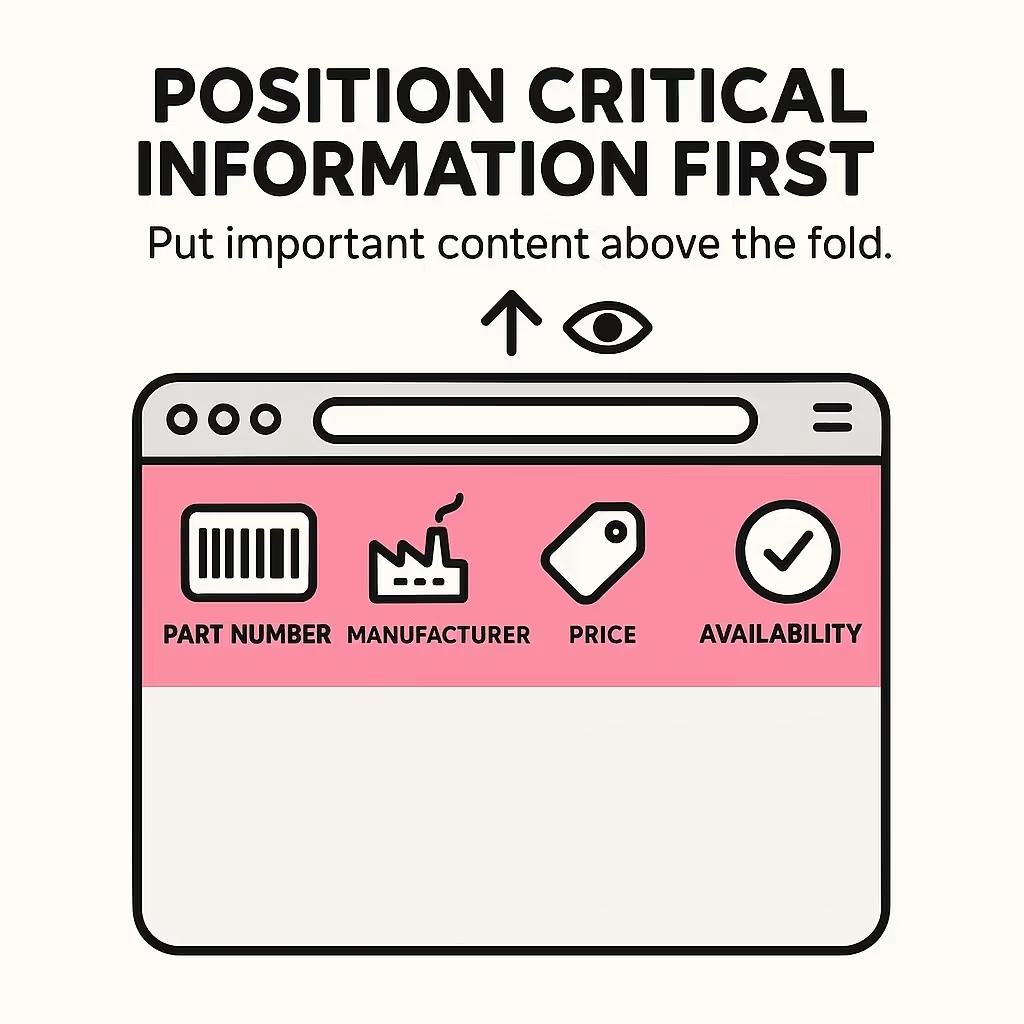
Position part number, manufacturer, price, and availability status in the top third of your product page.
Technical specifications can appear further down, but core identifiers need prominence. A technician with a failed compressor needs to verify they're looking at the right replacement part within seconds, not minutes.
Some templates try to be comprehensive by listing every conceivable specification, including irrelevant details that add noise.
Focus on decision-critical specifications. For a capacitor, customers care about microfarad rating, voltage, and terminal configuration. They don't care about the manufacturing date code or packaging weight.
Prioritize specifications by importance. Put the most commonly referenced specs at the top of your specifications table. Less critical details can appear lower or in expandable sections.
Technicians often browse parts catalogs from job sites on mobile devices. If your template only works well on desktop, you're missing sales.
Test your templates on actual phones. Can users read part numbers without zooming? Do specifications tables remain scannable on small screens? Does the price display clearly on mobile viewports?
Simple adjustments make huge differences. Single-column layouts for mobile. Larger font sizes for part numbers. Simplified specification tables that stack vertically on small screens.
Basic templates get you functional product pages. But as your parts catalog grows and customer expectations evolve, you'll eventually hit their limitations.
Template-based approaches work well for displaying individual product information. They struggle with cross-product relationships, compatibility verification, and dynamic content that adapts to user context.
Templates exist as isolated page structures. They don't naturally connect to your inventory system, accounting software, or supplier databases.
Every data update requires manual template population or CSV imports. Price changes, stock updates, and specification corrections all need manual intervention.
As your operation scales, these manual processes create bottlenecks. You're updating data in multiple places, which introduces errors and delays.
Template systems make sense when you're starting out or operating with limited resources. They're also appropriate for small, stable catalogs that don't change frequently.
Once you're managing hundreds of products, processing dozens of daily orders, and dealing with frequent inventory changes, dedicated e-commerce platforms become more efficient.
Platforms like Shopify or WooCommerce still use templates under the hood, but they integrate product data management, inventory tracking, and order processing. You update data once, and it flows through all systems automatically.
The transition point varies by business. If you're spending more time maintaining templates than serving customers, you've outgrown template-based approaches.
Templates help you display product information consistently. They don't automatically make that information discoverable through search engines or internal site search.
Product page optimization requires attention to title tags, meta descriptions, URL structure, and structured data markup. These elements live outside your basic templates but dramatically impact whether customers find your products.
Consider working with an agency that understands parts e-commerce optimization. I've helped automotive parts suppliers improve their product page visibility, and many of those same principles apply to HVAC parts. Check out our on-page SEO checklist for product category pages if you want to dive deeper into optimization strategies that work for technical parts catalogs.
Inventory templates track parts for internal operations. They focus on warehouse locations, costs, reorder points, and supplier information. Product page templates display parts for customers, focusing on specifications, applications, pricing, and availability. You can adapt inventory templates for product pages, but they serve fundamentally different purposes.
Create one template per major part category. Compressors, filters, thermostats, and electrical components each need different specification layouts. Within categories, you can use the same template structure. This gives you consistency without forcing irrelevant fields onto inappropriate products. Most HVAC catalogs need 5-10 distinct templates to cover all major categories effectively.
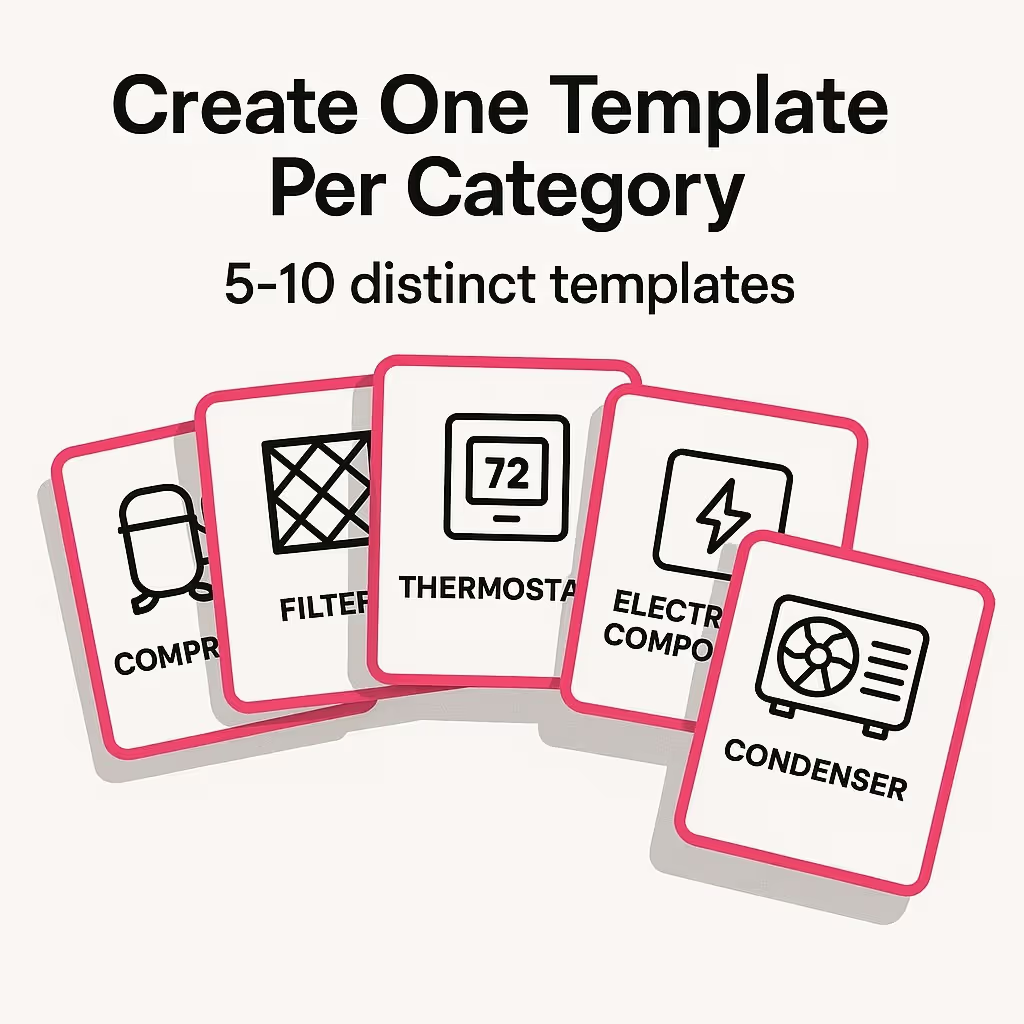
Create one template per major part category—most HVAC catalogs need five to ten distinct templates to cover all major categories effectively.
Free templates work as starting points for basic product pages. However, they typically lack e-commerce integration, inventory management, and optimization features that commercial operations need. Use free templates to prove your concept and understand your requirements, then invest in proper e-commerce infrastructure once you're processing regular orders.