

Managing product catalogs for HVAC and electrical supplies feels like juggling eggs while riding a unicycle. One dropped SKU or outdated price, and you've got technicians ordering the wrong parts or customers abandoning carts.
Feed management centralizes your product data into a single source. This system automatically updates specifications, pricing, and inventory across all your sales channels in real time.
The payoff? Accurate catalogs without manual spreadsheet nightmares. Your team stops chasing data errors. Customers see current information everywhere they shop.
I've spent years helping distributors untangle their product data chaos. Most start with scattered information across ERP systems, vendor files, and someone's "master" Excel sheet that's never actually current.
The solution involves Product Information Management systems specifically designed for technical catalogs. These platforms handle the unique complexity of HVAC and electrical specifications, compliance requirements, and multi-channel distribution that makes this industry different from retail.
You'll discover how centralized feed management transforms catalog accuracy. We'll examine PIM systems that work for building supply distributors. I'll show you integration strategies with field service operations and ecommerce platforms. Most importantly, you'll learn actionable steps to implement automation that actually saves time instead of creating new problems.
Every HVAC and electrical distributor faces the same brutal reality. Your product catalog sits scattered across multiple systems that don't talk to each other.
Your ERP holds inventory counts. Vendor spreadsheets contain specifications. The ecommerce platform shows last month's pricing. Field technicians work from outdated parts lists on their phones.
This fragmentation creates expensive problems. Technicians order discontinued parts. Customers see "in stock" items that actually backordered weeks ago. Your team spends hours manually updating the same product data across five different platforms.
Most distributors inherit a patchwork of data sources over years of growth. You started with an accounting system. Added an online store. Implemented field service software. Each new tool created another silo.
The typical setup looks like this chaos:
Nobody planned this mess. It just happened as your business evolved and technology options expanded.
Manual updates consume ridiculous amounts of time. Your team copies data between systems. They check vendor websites for specification changes. Someone manually updates pricing across platforms every time a supplier adjusts their numbers.
Errors multiply faster than you can fix them. A technician drives to a job with the wrong part because the field service app showed different compatibility information than the actual inventory. An online customer orders a unit with specifications that don't exist because nobody updated the website after the manufacturer changed models.
Your competitive edge erodes when catalog accuracy becomes a coin flip. B2B customers expect the same reliability they get from Amazon. Contractors need to trust your specifications when they're pulling permits or ordering for commercial installations.
HVAC and electrical catalogs aren't simple retail products. Each item carries complex technical attributes that matter for code compliance, compatibility, and safety.
An HVAC compressor includes BTU ratings, refrigerant types, electrical requirements, dimension specifications, mounting configurations, and compatibility charts. Change one attribute, and you need to update that information everywhere customers might see it.
Electrical components require voltage ratings, amperage specifications, wire gauge compatibility, breaker requirements, and compliance certifications. Get any of these wrong, and you're not just losing a sale. You're creating potential safety hazards.
Plumbing supplies add another layer with pipe sizes, material specifications, pressure ratings, and temperature ranges. Every category in your catalog demands different attribute sets that need consistent management across all channels.
Now that you understand the chaos, feed management provides the solution. This approach centralizes all product data into a single authoritative source, then automatically distributes updated information to every system that needs it.
Think of it as a control tower for your catalog. Product information flows in from manufacturers and suppliers. Your team enriches it with your own specifications, pricing, and descriptions. The system then pushes complete, accurate data out to your ecommerce platform, field service software, marketplace listings, and anywhere else customers interact with your catalog.
Feed management systems handle three fundamental jobs for HVAC and electrical distributors. They collect product data from multiple sources. They organize and standardize that information. They distribute updates across all your sales and service channels.
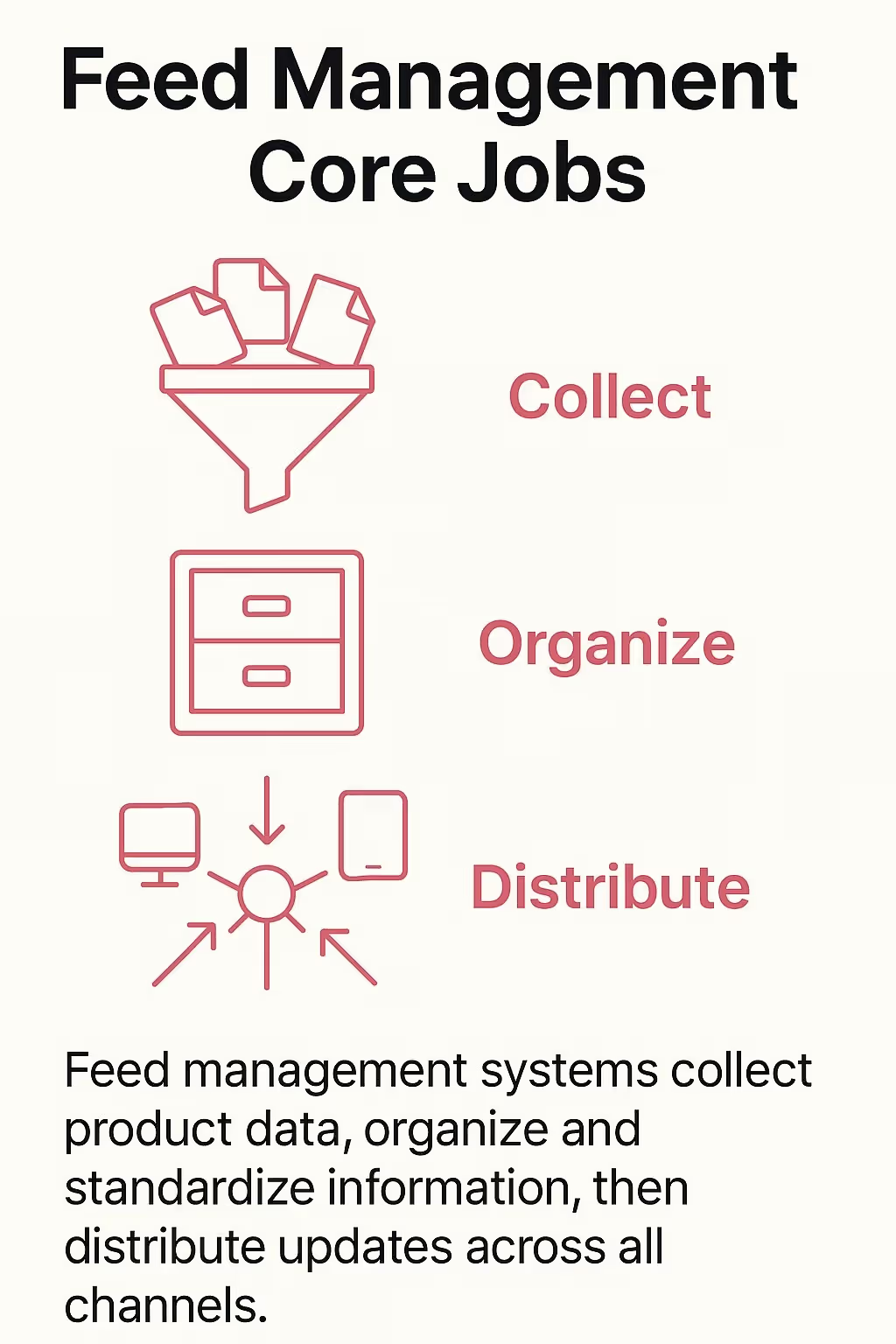
Feed management systems collect product data, organize and standardize information, then distribute updates across all channels.
Data collection means ingesting information from manufacturer files, vendor catalogs, and your existing systems. Good feed management handles multiple input formats without requiring manual data entry.
Organization involves creating a structured database where every product has complete attribute sets. Your HVAC units have consistent BTU specifications. Your electrical components show proper voltage ratings. Your plumbing supplies include accurate material and pressure information.
Distribution pushes updated catalog data to connected systems automatically. Change a price once, and it updates on your website, in your ERP, and in the mobile app your technicians use.
Inventory management tracks quantities and locations. Feed management handles the rich product information that helps customers choose the right items and technicians complete jobs correctly.
Your inventory system knows you have 47 of part number ABC-123. Feed management knows that ABC-123 is a 3-ton HVAC compressor rated for R-410A refrigerant with specific electrical requirements and compatibility with certain condenser units.
The two systems work together. Inventory provides real-time availability. Feed management provides the technical specifications, descriptions, images, and attributes that make that inventory discoverable and purchasable.
Automation eliminates the manual update cycle that wastes your team's time. When a manufacturer changes specifications or you adjust pricing, feed management propagates those updates everywhere simultaneously.
Your ecommerce platform shows the new information within minutes. Field technicians see updated specs in their mobile apps. Marketplace listings reflect current availability. Customer service representatives access accurate data regardless of which system they're viewing.
This synchronization prevents the scenarios where different channels show conflicting information. Customers get consistency whether they're shopping online, calling for quotes, or working with a technician at their facility.
|
Traditional Manual Management
|
Automated Feed Management
|
Business Impact
|
|---|---|---|
| Update each system separately |
Update once, distribute everywhere
|
Hours saved per product update
|
|
Data inconsistency across channels
|
Single source of truth
|
Reduced customer confusion and returns |
|
Delayed specification changes
|
Real-time synchronization
|
Current information for purchasing decisions
|
|
Manual error checking
|
Automated validation rules
|
Fewer incorrect orders and job delays
|
Product Information Management systems provide the centralized hub that makes feed management possible. These platforms specifically handle the complex catalog requirements that HVAC and electrical distributors face daily.
PIM systems store every attribute your products require. They maintain relationships between items. They manage multiple attribute sets for different product categories. Most importantly, they serve as the single source of truth that feeds all your other systems.
Generic product databases can't handle the technical complexity of building supplies. HVAC equipment requires attribute structures for capacity ratings, efficiency scores, refrigerant compatibility, and installation specifications. Electrical components need voltage ratings, amperage capabilities, wire specifications, and compliance certifications.
Specialized PIM platforms understand these requirements. They provide flexible attribute frameworks that adapt to different product categories. Your HVAC units have different data fields than your electrical breakers, which differ from your plumbing fixtures.
The system maintains technical relationships between products. It knows which compressors work with which condensers. It tracks which electrical panels accept which breaker types. It manages compatibility matrices that prevent customers from ordering incompatible components.
Look for PIM systems that handle multi-level categorization. Your catalog needs to support major categories, subcategories, and product families while maintaining consistent attribute sets within each group.
Digital asset management matters as much as data fields. You need to store product images, specification sheets, installation manuals, compliance certificates, and CAD drawings. These assets should link directly to relevant products and update automatically across channels.
Flexible attribute inheritance saves massive amounts of data entry. Define attributes at the category level, and individual products inherit those fields automatically. Override specific values where needed without recreating entire attribute sets.
Version control and audit trails protect your data integrity. Track who changed what information and when. Rollback incorrect updates. Maintain historical records for compliance and quality assurance.
Your PIM system needs to connect with the tools you already use. API connectivity to your ERP system keeps inventory and pricing synchronized. Integration with your ecommerce platform ensures your online catalog stays current.
Manufacturer data feeds should import directly into your PIM. The system should handle various input formats without requiring manual file conversion. Automated mapping rules match manufacturer fields to your attribute structure.
Export functionality needs flexibility. Generate feeds for Google Shopping, Amazon, or marketplace platforms. Create custom exports for field service software or customer portals. Format data according to each destination's requirements without manual reformatting.
The principles that work for automotive parts catalogs apply equally to HVAC and electrical supplies. Centralized data management, automated distribution, and consistent attribute structures create the foundation for accurate catalogs.
With your PIM foundation established, field service integration creates powerful efficiency gains. Your technicians need accurate product information while they're diagnosing equipment, ordering parts, and completing installations.
Field service management software helps HVAC contractors and electrical service companies coordinate their operations. ServiceTitan, Jobber, Housecall Pro, and FieldEdge are leading platforms for managing customer interactions, scheduling, invoicing, and more for HVAC services.
ServiceTitan, Jobber, Housecall Pro, and FieldEdge are leading platforms for managing HVAC services and operations.
Technicians make product decisions in the field constantly. They're diagnosing failed equipment and determining replacement needs. They're recommending upgrades during maintenance visits. They're ordering parts to complete repairs without return trips.
Without accurate catalog access, technicians guess at compatibility. They order parts based on outdated specifications. They promise installation timelines without knowing actual product availability.
Integrated catalog data changes this equation. Technicians search for parts using equipment model numbers or technical specifications. The system shows compatible options with current pricing and availability. They place orders directly from customer sites with confidence that parts will work.
Field service operations and counter sales compete for the same inventory. A technician needs a specific compressor for an emergency repair. Meanwhile, a contractor walks into your showroom wanting to order that same unit for a project.
Real-time inventory synchronization prevents overselling and disappointing customers. When field service software integrates with your PIM and ERP, everyone sees the same availability numbers.
Reservation systems let technicians hold parts for specific jobs. The inventory shows as committed but not yet sold. Other users see reduced available quantities. Nobody promises products you can't deliver.
Installation teams work from trucks, rooftops, and basements. They can't call the office for every specification question. Mobile catalog access puts complete product information in their hands.
Technical specifications help verify compatibility before unboxing equipment. Installation instructions guide proper setup. Warranty information determines what paperwork customers need.
The mobile experience needs simplification without losing critical details. Product attributes structure this information for easy mobile navigation. Filter by key specifications. Search by model numbers. Access the exact data needed for the task at hand.
Speed matters when equipment fails. A broken HVAC system in summer or a failed electrical panel creates urgent situations. Technicians need to order parts immediately without phone calls and paperwork.
Integrated ordering from field service apps streamlines this process. Technicians select parts from the catalog. The system checks inventory availability. Orders route to the warehouse or purchasing department automatically.
Job costing updates in real time as parts get added. Customers receive accurate estimates without waiting for office staff to price components. Technicians focus on repairs instead of administrative tasks.
|
Field Service Challenge
|
Catalog Integration Solution |
Efficiency Gain
|
|---|---|---|
| Technicians order wrong parts |
Real-time compatibility checking
|
Fewer return trips and job delays
|
|
Unknown product availability
|
Live inventory synchronization
|
Accurate customer commitments
|
|
Incomplete technical information
|
Mobile access to specifications
|
Correct installations first time
|
|
Slow emergency ordering
|
Direct ordering from job sites
|
Faster service restoration
|
Now that field service integration improves technician efficiency, ecommerce platforms extend your catalog reach to contractors and facility managers who prefer online ordering. B2B ecommerce for HVAC and electrical supplies requires different capabilities than consumer retail.
Your customers need detailed technical specifications. They purchase in bulk quantities. They expect contract pricing. They want order history and repeat ordering functionality.
Contractors researching products online need the same specification depth they'd get from calling your sales team. Half-complete product listings lose sales to competitors with better information.
Every HVAC unit needs capacity ratings, efficiency scores, electrical requirements, physical dimensions, and compatibility information. Electrical components require voltage ratings, amperage specifications, wire compatibility, and certification details. Plumbing products need material specifications, pressure ratings, and connection types.
Product feed optimization principles that work for consumer goods apply to technical catalogs with added complexity. Structure your data for search engines while maintaining the technical accuracy professionals require.
B2B customers expect pricing that reflects their relationship with your company. Contractors with volume agreements see different prices than occasional buyers. Government accounts need special pricing structures. Facility maintenance departments have negotiated rates.
Your ecommerce platform needs to manage these pricing tiers automatically. Customer logins determine which prices display. Contract terms apply without manual intervention. Bulk quantity discounts calculated at checkout.
Price management through your PIM system ensures consistency. Update contract pricing once, and it applies across online and offline channels. Customers see the same rates whether they order through your website, call for quotes, or work with sales representatives.
Commercial contractors don't just add items to a cart. They're ordering for specific projects with job numbers, PO requirements, and delivery schedules. Your ecommerce platform needs to handle these workflows.
Project-based ordering lets customers organize purchases by job site. They can save quotes for approval. They schedule deliveries for different project phases. They track spending against budgets.
Repeat ordering functionality saves time for maintenance accounts. They order the same filters, belts, and common parts regularly. One-click reordering from purchase history streamlines routine purchases.
Quote request functionality bridges online and offline sales. Customers can add items to a quote cart and request formal pricing. Your sales team reviews, adjusts pricing if appropriate, and converts quotes to orders.
Ecommerce orders need to flow directly into your operational systems. The primary focus of ServiceTitan, Jobber, Housecall Pro, and FieldEdge is field service and business operations, not specifically designed for catalog management. Your actual order management lives in your ERP.
API connections between your ecommerce platform and ERP eliminate manual order entry. Online orders appear in your fulfillment queue automatically. Inventory decrements in real time. Accounting records reflect sales without duplicate data entry.
Customer accounts sync between systems. Credit limits apply to online orders. Payment terms transfer correctly. Order history includes both online and offline purchases for complete customer views.
The integration strategy mirrors approaches used for technical parts catalogs in other industries. Centralized data management, automated synchronization, and consistent customer experiences across channels create operational efficiency.
With ecommerce and field service integration established, automation eliminates the manual update cycles that consume your team's time. Product data changes constantly as manufacturers update specifications, pricing adjusts, and inventory fluctuates.
Automation ensures these changes propagate everywhere simultaneously. Your team focuses on strategic catalog improvements instead of copying data between systems.
Manufacturers provide product data in various formats. Some offer API access. Others send spreadsheet exports. A few still distribute printed catalogs that require manual data entry.
Automated feed management handles these inputs systematically. Set up scheduled imports from manufacturer APIs. Configure automatic processing of emailed spreadsheets. Map manufacturer fields to your attribute structure once, then apply those mappings to every update.
Change detection highlights what's new or different. The system flags discontinued products, specification changes, and pricing updates. Your team reviews significant changes before they publish to customer-facing systems.
Your catalog needs to appear in multiple places simultaneously. Your ecommerce website, marketplace platforms, comparison shopping engines, and customer portals all require current product data.
Each channel has specific formatting requirements. Google Shopping needs particular attribute mappings. Amazon has its own category structures. Marketplace platforms require unique product identifiers.
Automated syndication from your PIM system handles these variations. Configure channel-specific export rules once. The system generates properly formatted feeds automatically. Updates distribute to all channels on schedules you define.
API automation capabilities enable real-time catalog updates across platforms. Changes publish immediately instead of waiting for manual feed uploads.
Automation doesn't mean abandoning oversight. Quality control rules prevent bad data from reaching customers. Required field validation ensures every product has essential specifications before publishing.
Consistency checks flag unusual values. An HVAC unit with impossible BTU ratings triggers review. Electrical components with mismatched voltage and amperage specifications require verification. Price changes exceeding defined thresholds need approval.
Automated testing catches formatting errors before they break integrations. The system validates feed files before uploading to external platforms. Error notifications alert your team to issues requiring attention.
Different data types need different update frequencies. Inventory levels change continuously and require real-time synchronization. Pricing updates might be published daily. Specification changes could follow weekly schedules.
Configure update frequencies based on business requirements and system capabilities. Critical information updates immediately. Less time-sensitive data follows scheduled batches that optimize system performance.
Monitoring dashboards show synchronization status across all systems. You see when each channel was last updated. You track failed updates requiring attention. You measure data quality across your distribution network.
|
Update Type
|
Recommended Frequency
|
Why This Timing Works
|
|---|---|---|
|
Inventory availability
|
Real-time or 15-minute intervals
|
Prevents overselling and customer frustration
|
|
Pricing changes
|
Daily overnight updates
|
Ensures consistent pricing during business hours
|
|
Specification updates
|
Weekly scheduled batches
|
Balances accuracy with system performance
|
|
New product additions
|
As needed with approval workflow |
Allows quality review before publishing
|
Understanding automation capabilities sets the stage for platform selection. Your technology choices determine how effectively you manage catalogs for years to come. The wrong system creates new problems instead of solving existing ones.
Start with core functionality specific to building supply catalogs. Your platform needs flexible attribute structures that handle diverse product categories. HVAC equipment, electrical components, and plumbing supplies each require different data fields.
Technical specification management must accommodate complex relationships. Compatibility matrices, replacement parts hierarchies, and accessory associations all need systematic organization.
Multi-channel distribution capabilities determine how effectively you reach customers. Ecommerce feeds, marketplace syndication, field service integration, and customer portal support all matter for modern distribution.
Look for inventory integration that goes beyond basic stock levels. You need allocation capabilities, warehouse location management, and availability dates for backorders.
Your catalog management platform must connect with existing systems. Evaluate integration options carefully before committing to any solution.
ERP connectivity ensures pricing and inventory synchronization. The platform should support standard integration protocols whether you use QuickBooks, SAP, or specialized distribution software.
Ecommerce platform connections need bidirectional data flow. Product information flows to your online store. Orders flow back to your operational systems. Customer data synchronizes between platforms.
Field service software integration follows similar patterns. Catalog data enables mobile ordering. Job information updates inventory allocations. Service history informs product recommendations.
Striven offers integrated accounting and inventory management as an example of platforms combining multiple functions. Evaluate whether integrated suites or best-of-breed specialized tools better fit your requirements.
Your catalog management needs evolve as your business expands. Choose platforms that scale with growth instead of requiring replacement in three years.
Product capacity matters for distributors carrying extensive inventories. Confirm the system handles your current SKU count with room for expansion. Ask about performance with catalogs 2-3 times your current size.
User licensing should accommodate organizational growth. Adding sales representatives, warehouse staff, or customer service agents shouldn't trigger massive cost increases.
Geographic expansion requires multi-location support. If you plan to open branches or distribution centers, verify the platform manages location-specific inventory, pricing, and availability.
Platform costs extend beyond initial licensing. Factor in implementation expenses, ongoing maintenance, training requirements, and integration development.
Implementation timelines affect your total investment. Complex platforms requiring months of configuration and data migration cost more than systems offering faster deployment.
Calculate ROI based on specific efficiency gains. How much time does manual catalog management currently consume? What does catalog inaccuracy cost in returns, corrections, and lost sales?
Compare these costs against platform expenses. Most distributors recover implementation costs within 12-18 months through labor savings alone. Accuracy improvements and sales enablement provide additional returns.
Consider starting with focused implementations. Optimization strategies developed for automotive catalogs show how phased approaches reduce initial investment while proving ROI.
Selecting the right platform sets the stage, but implementation determines success. Most catalog management projects fail during rollout rather than from wrong technology choices.
Your existing product data lives in multiple systems with varying quality levels. Migrating this information into a centralized PIM requires careful planning.
Start with a data audit. Identify all current sources of product information. Assess data quality in each system. Determine which source holds the most accurate version of each data type.
Clean data before migration. Fix obvious errors. Standardize formatting. Remove duplicate records. Establish data governance rules for ongoing maintenance.
Clean data before migration: fix obvious errors, standardize formatting, remove duplicate records.
Migrate in phases rather than attempting big bang cutover. Start with a single product category. Verify data accuracy. Test integrations. Then expand to additional categories incrementally.
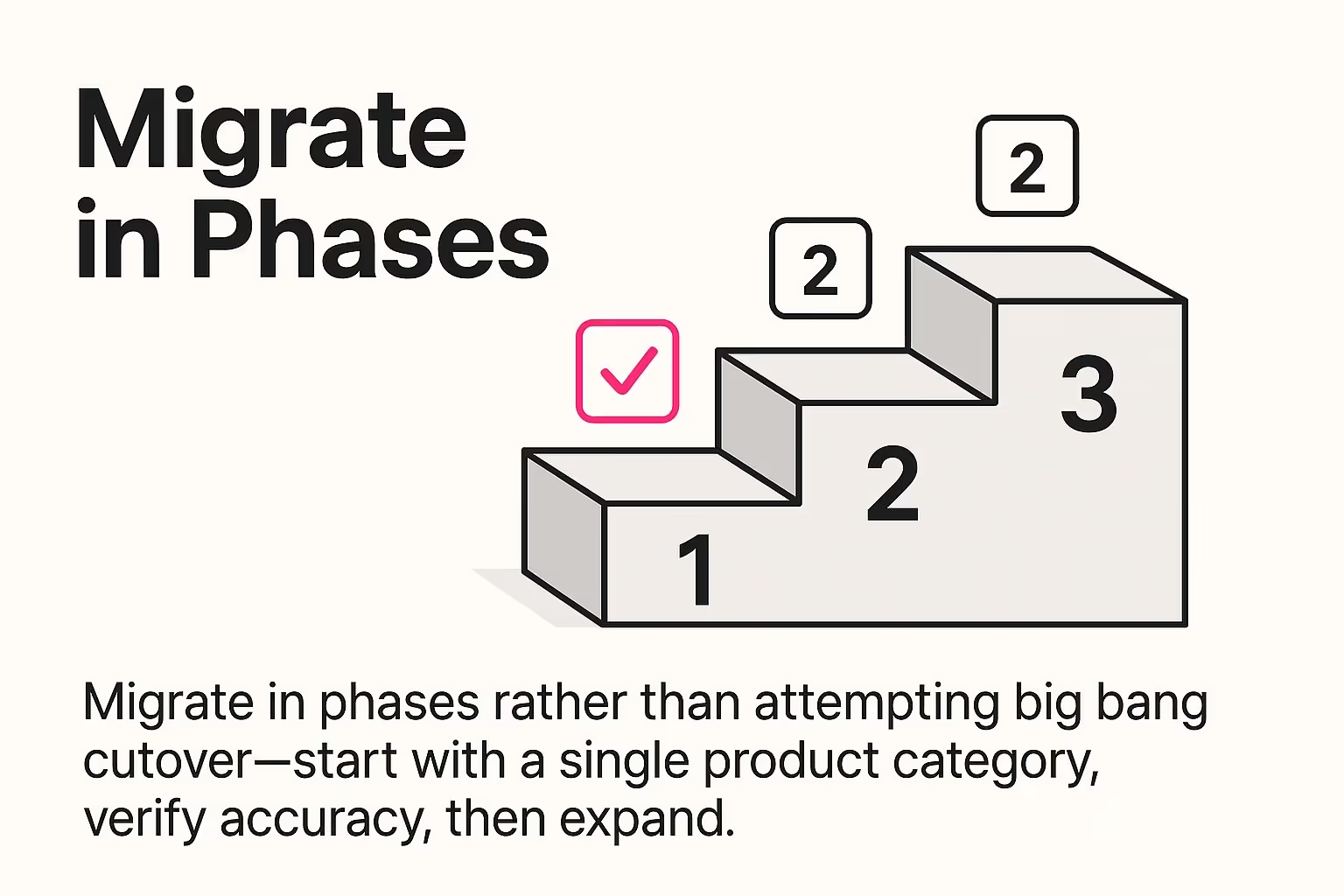
Migrate in phases rather than attempting big bang cutover—start with a single product category, verify accuracy, then expand.
Plan for ongoing data enrichment. Your initial migration establishes basic product records. Continuous improvement adds enhanced descriptions, additional images, and more detailed specifications over time.
New systems change how people work. Success requires helping your team adapt to new workflows and capabilities.
Identify power users across departments. Train them first. These champions become internal resources who help colleagues navigate the new system.
Focus training on daily workflows rather than comprehensive feature coverage. Show customer service representatives how to look up product information. Teach purchasing staff how to update pricing. Help marketing teams manage catalog content.
Create quick reference guides for common tasks. Staff need simple documentation when they're trying to complete actual work, not comprehensive manuals.
Expect productivity dips during transition periods. People work slower while learning new systems. Plan for this temporary inefficiency instead of being surprised by it.
Data quality requires ongoing attention. Establish clear policies for who updates what information and how they maintain accuracy.
Define data ownership by information type. Product managers own specifications. Pricing teams manage costs and margins. Marketing controls descriptions and images. Inventory staff maintains availability data.
Create approval workflows for critical changes. Pricing updates might require manager approval. New product additions need quality review before publishing.
Schedule regular data quality audits. Review products missing images. Check for incomplete specifications. Verify pricing accuracy. Clean up outdated or discontinued items.
Document standards for consistent data entry. Establish formatting rules for descriptions. Define image requirements and specifications. Create attribute selection guidelines.
Track metrics that demonstrate catalog management ROI. These numbers justify your investment and identify improvement opportunities.
Measure data accuracy through completeness scores. What percentage of products have all required attributes? How many lack images or descriptions? Track improvement over time.
Monitor operational efficiency gains. How much time does your team spend on manual catalog updates? Has this decreased since implementation? What's the cost savings?
Assess customer-facing improvements. Track product return rates. Measure time-to-market for new products. Monitor customer service inquiries about specifications.
Use these metrics to guide ongoing enhancements. Prioritize data quality improvements based on customer impact. Invest in automation for tasks consuming the most manual effort.
Inventory management best practices from other technical industries provide additional insights. The principles of accurate data, efficient workflows, and continuous improvement apply across building supply categories.
Feed management transforms HVAC and electrical catalog operations from manual chaos to automated efficiency. You've seen how centralized product information eliminates the scattered data problem distributors face daily.
Start with your biggest pain point. If catalog accuracy causes the most problems, focus there first. If manual updates consume excessive time, prioritize automation. If field service integration would deliver immediate value, begin with mobile catalog access.

Start with your biggest pain point—if catalog accuracy causes the most problems, focus there first.
You don't need to implement everything simultaneously. Pick one product category. Prove the concept. Demonstrate ROI. Then expand systematically based on results.
Your catalog management journey starts with a clear assessment of current state. Document where product data lives today. Identify the most critical accuracy or efficiency issues. Define success metrics that matter for your business.
The distributors winning in this market provide accurate, accessible product information everywhere customers and technicians need it. Feed management makes that possible without the manual effort that's not scalable.
Your next step? Audit your current catalog management processes this week. You'll discover specific opportunities where centralized feed management delivers the fastest returns.